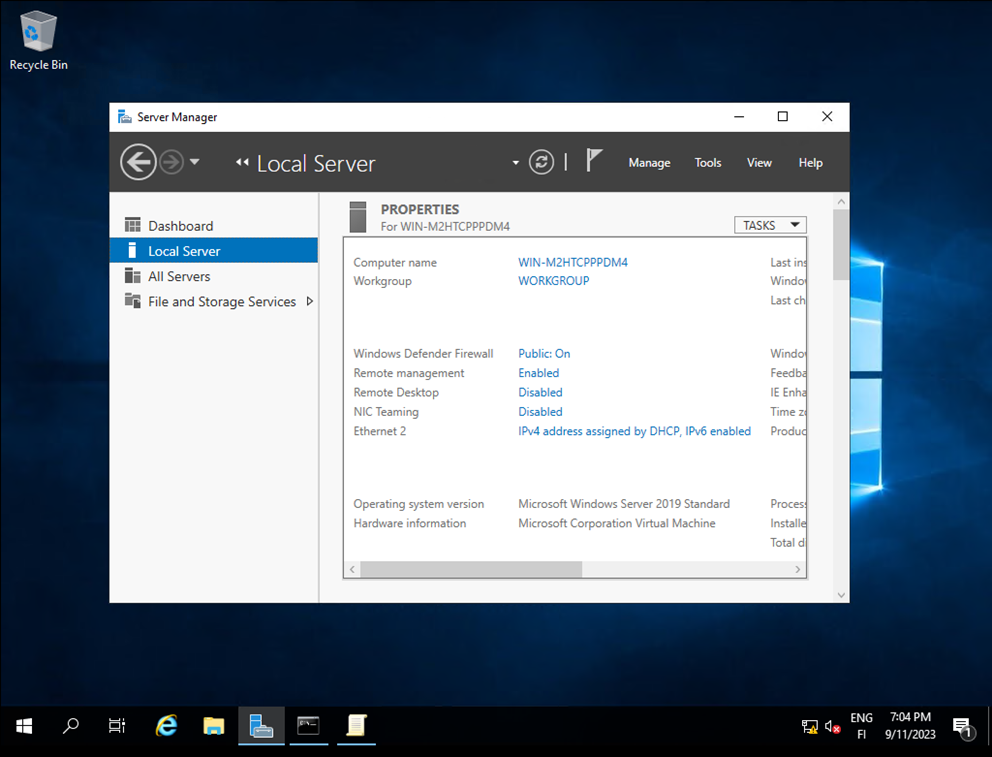
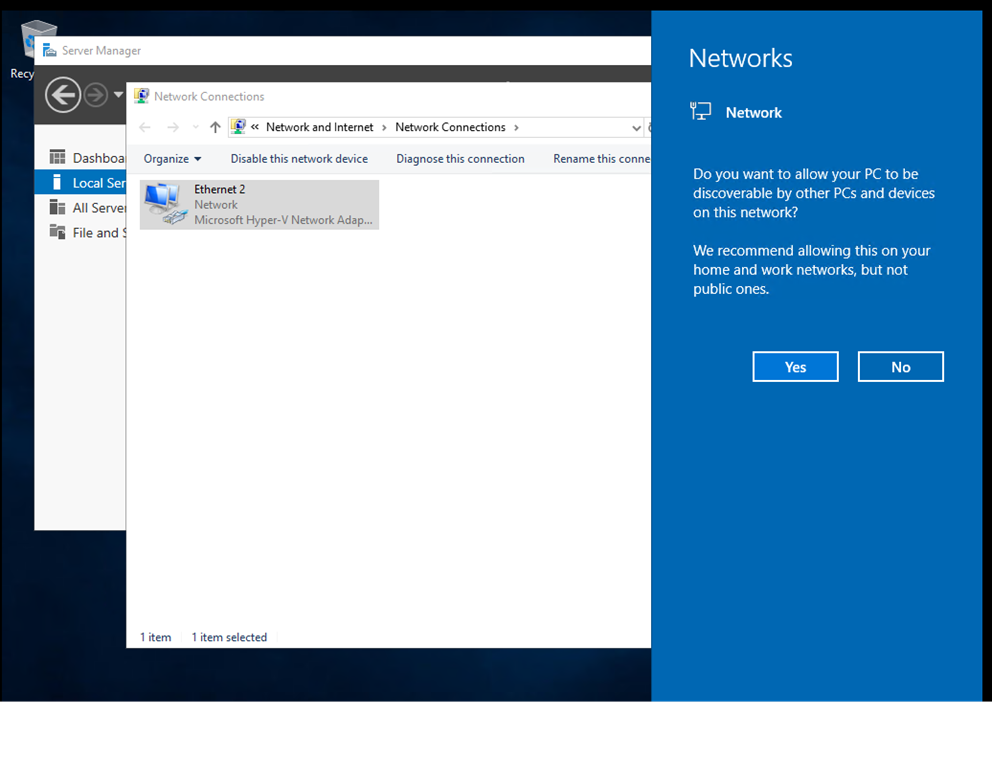
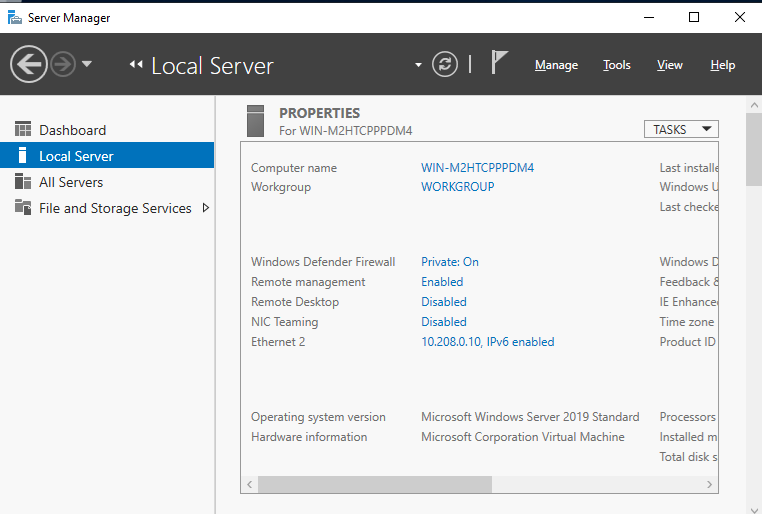
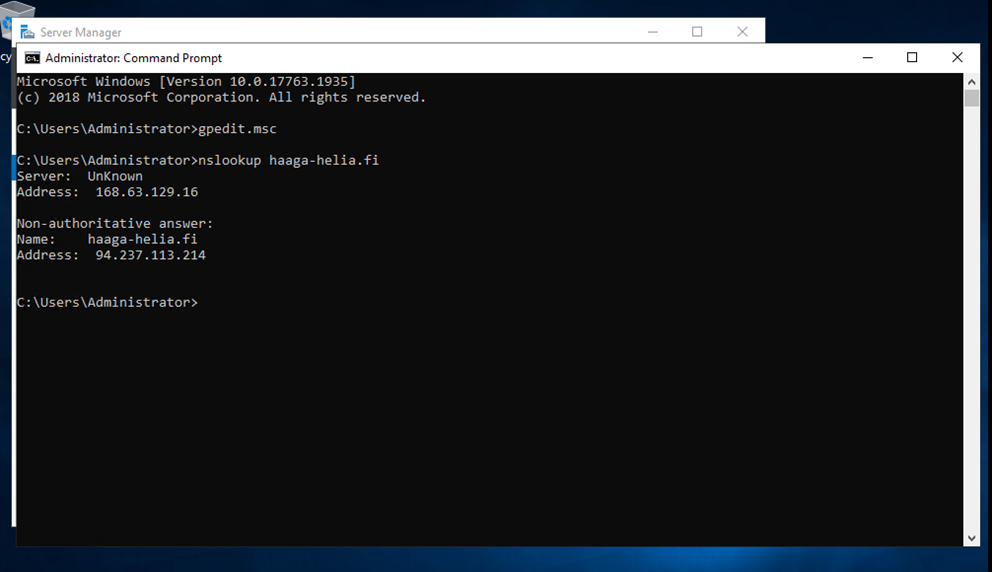
Registered for Azure using school credentials and launched a virtual machine in the cloud.
Configured remote desktop connection to access the VM and tested smart sizing settings.
Adjusted PowerShell font size, then reverted to defaults.
Shut down the VM, moving it from a running to a stopped state.
Reflected on the lack of details regarding the virtual machine's specifications and how to modify its properties in Azure Labs.
No screenshots were taken for this session.
Lecture 1 - DHCP Overview
Referenced Wikipedia for understanding DHCP's role in managing IP address space.
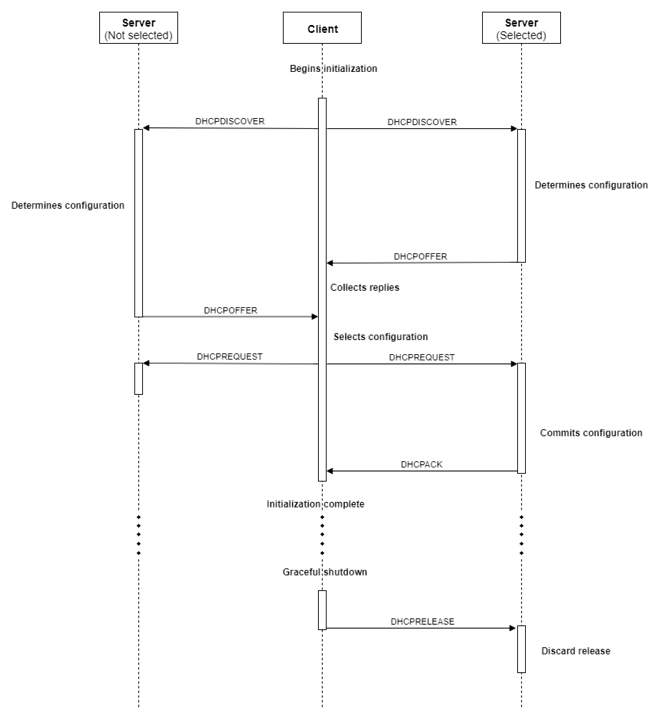
Key points covered include how DHCP assigns IP addresses, handles additional settings like gateways and DNS, and the concept of DHCP Relay.
DHCP is an evolution from the BOOTP protocol and was formalized in multiple RFCs over the years, including RFC 2131 for IPv4 and RFC 8415 for IPv6.
Lecture 1 - Hypervisor Installation and Initial Setup
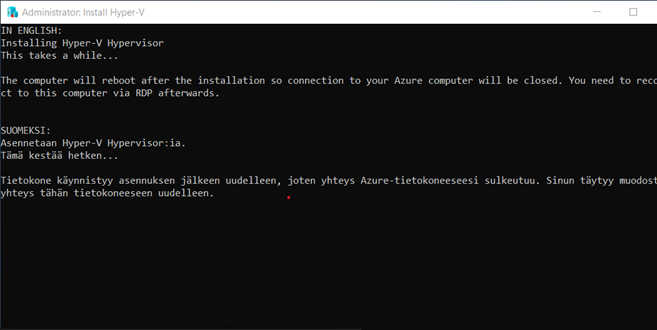
Installed Hypervisor by selecting the icon from the desktop.
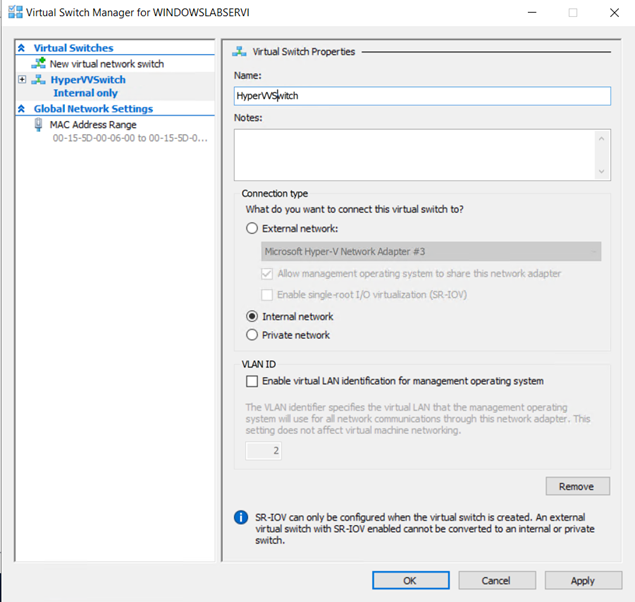
Configured an internal virtual switch using HyperVisor Manager.
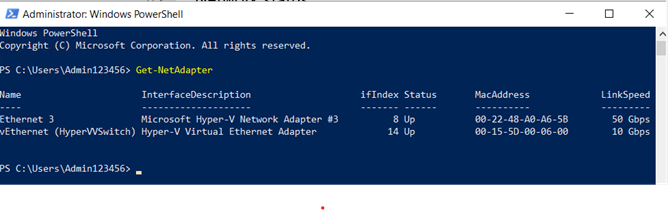
Used PowerShell command Get-NetAdapter to display network interfaces, including virtual adapters, MAC addresses, and connection speeds.
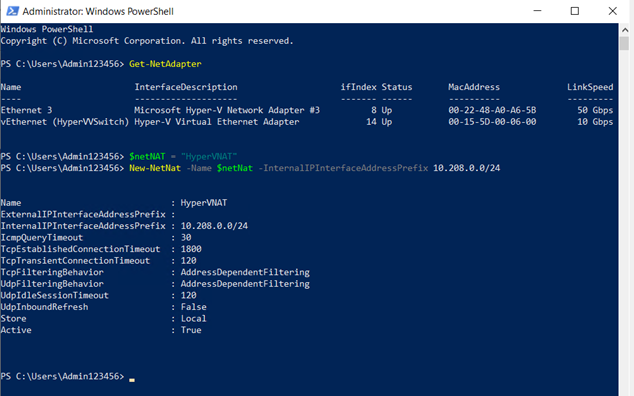
Configured NAT in PowerShell, with questions about /24 notation.
Lecture 2 - Creating Virtual Machines
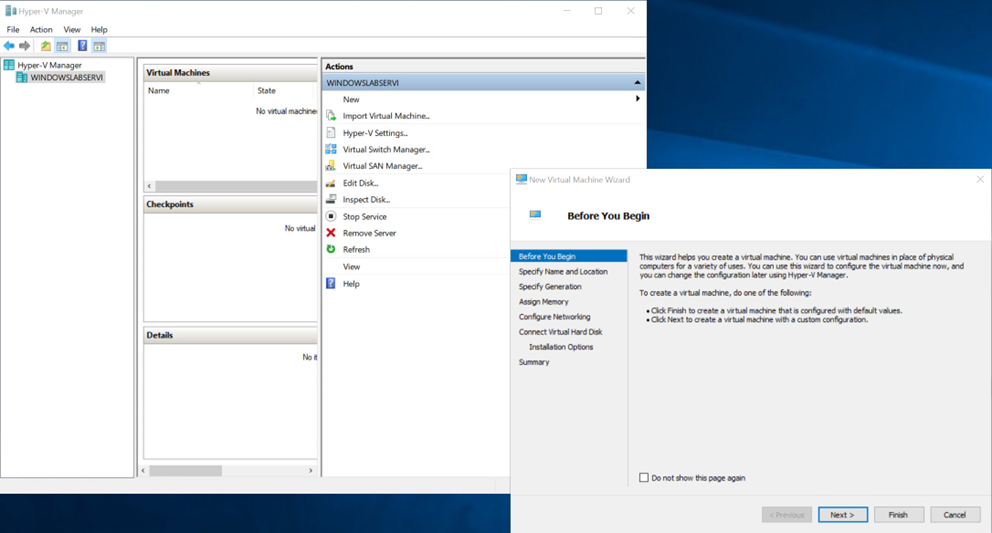
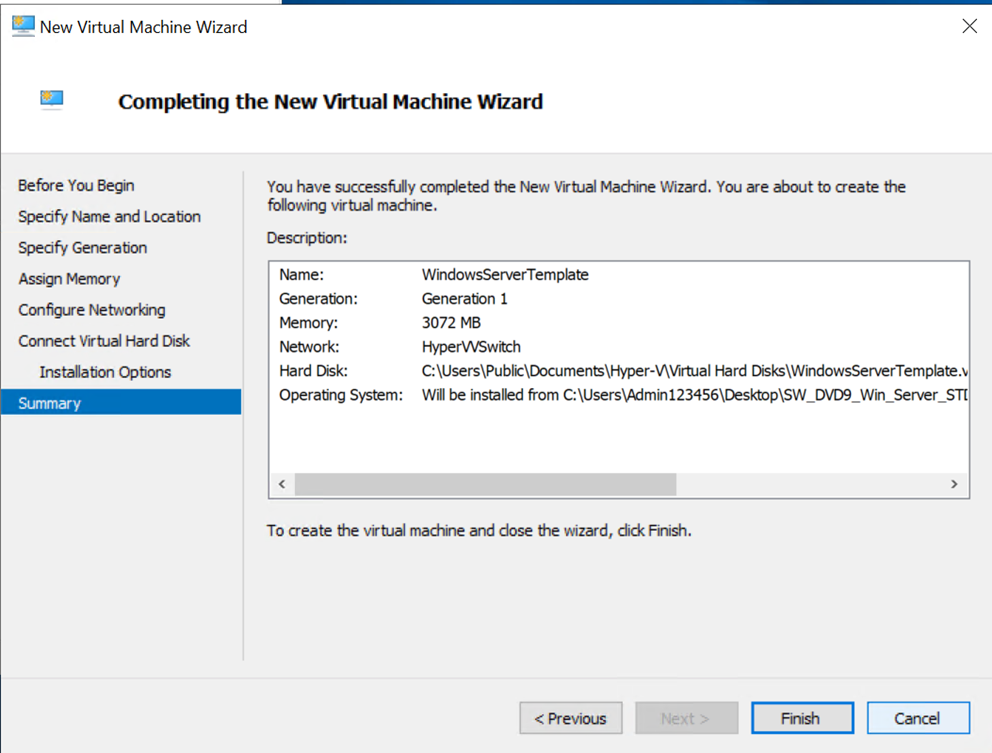
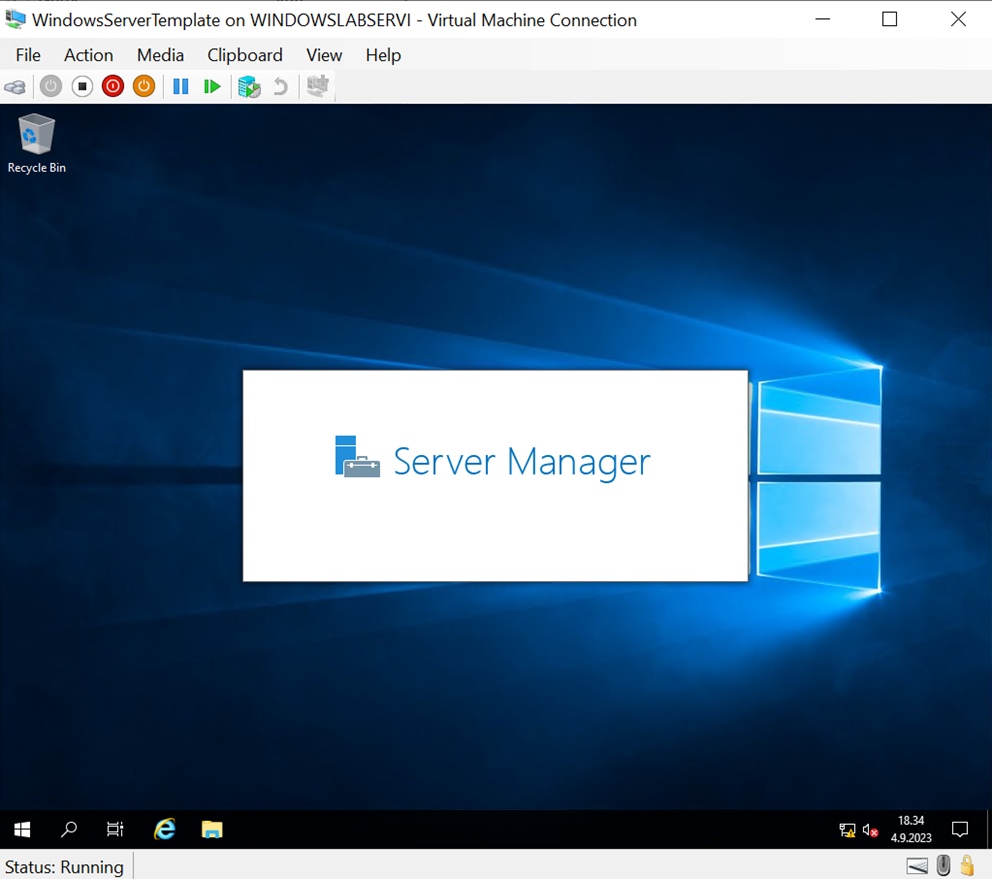
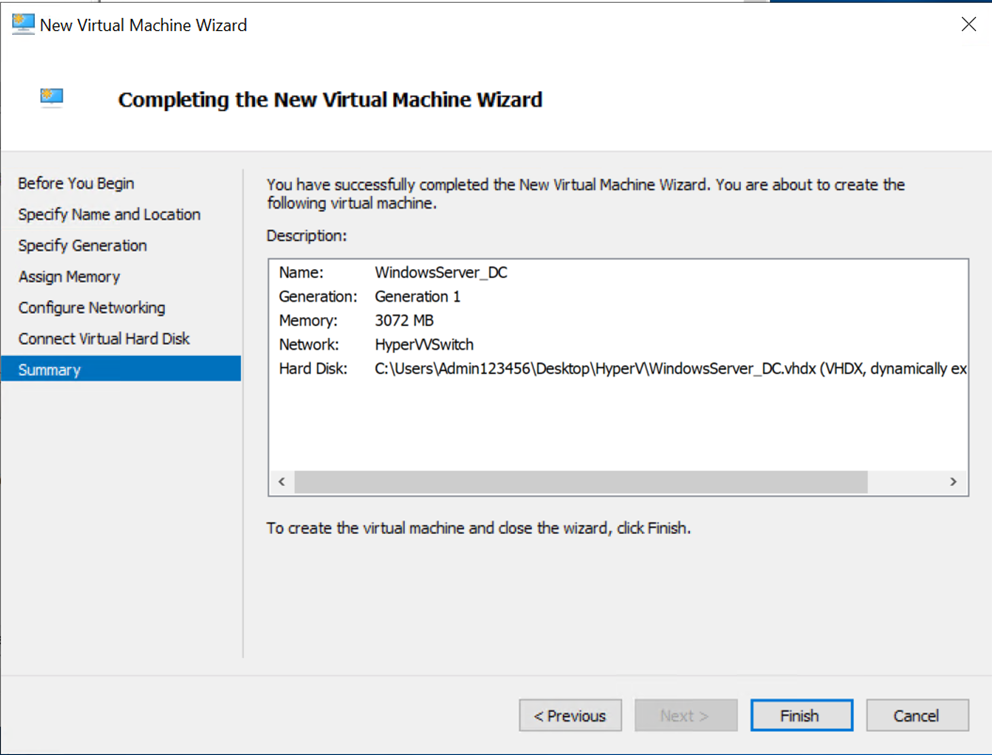
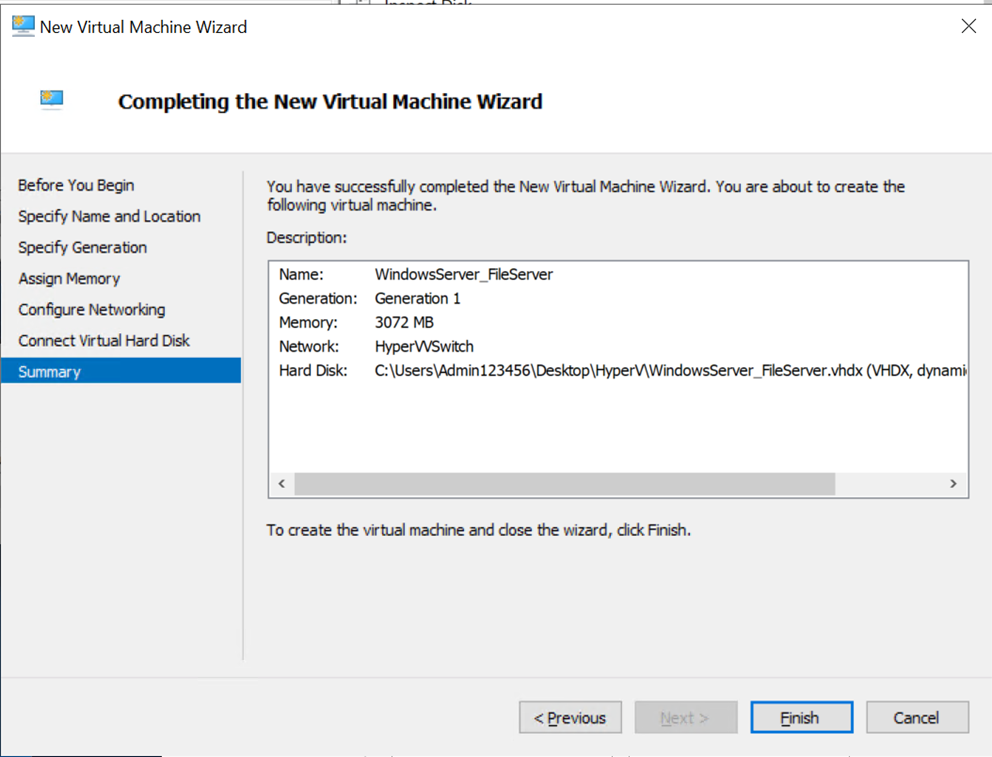
Created a new virtual machine (VM) named "WindowsServerTemplate" in Hyper-V Manager, with Generation 1, 3072 MB of dynamically allocated RAM.
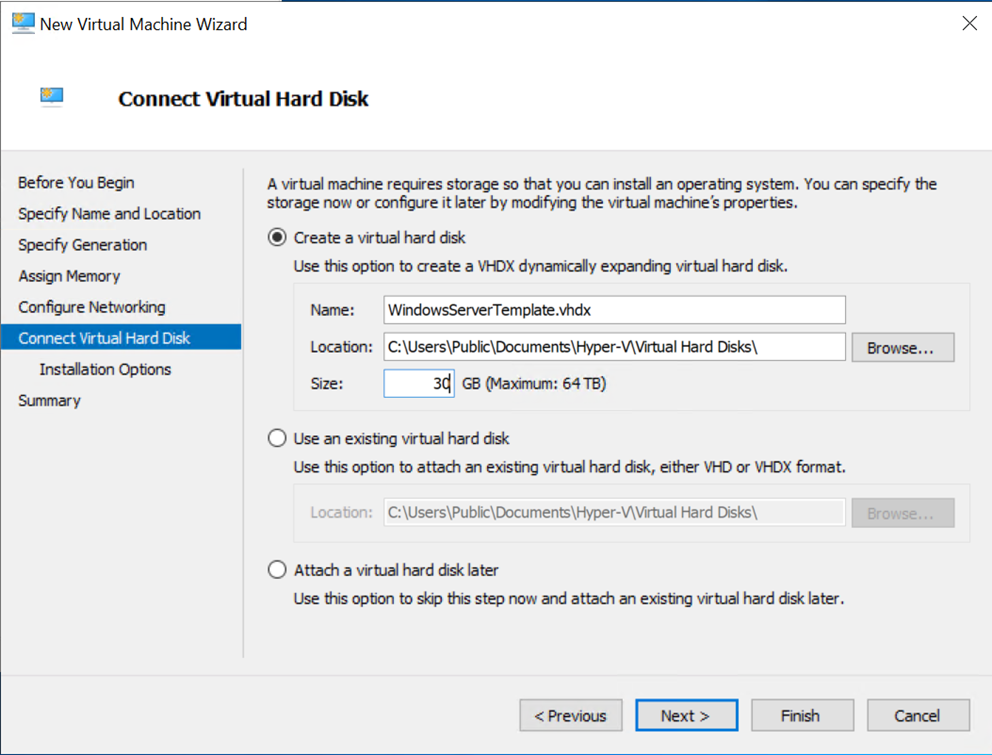
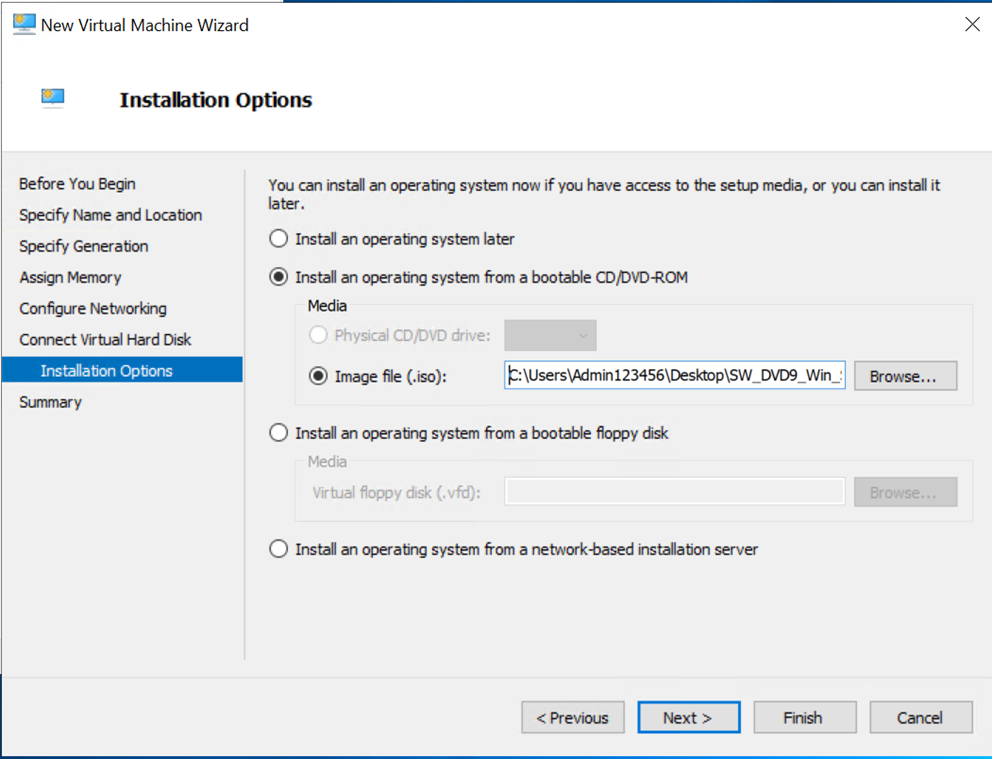
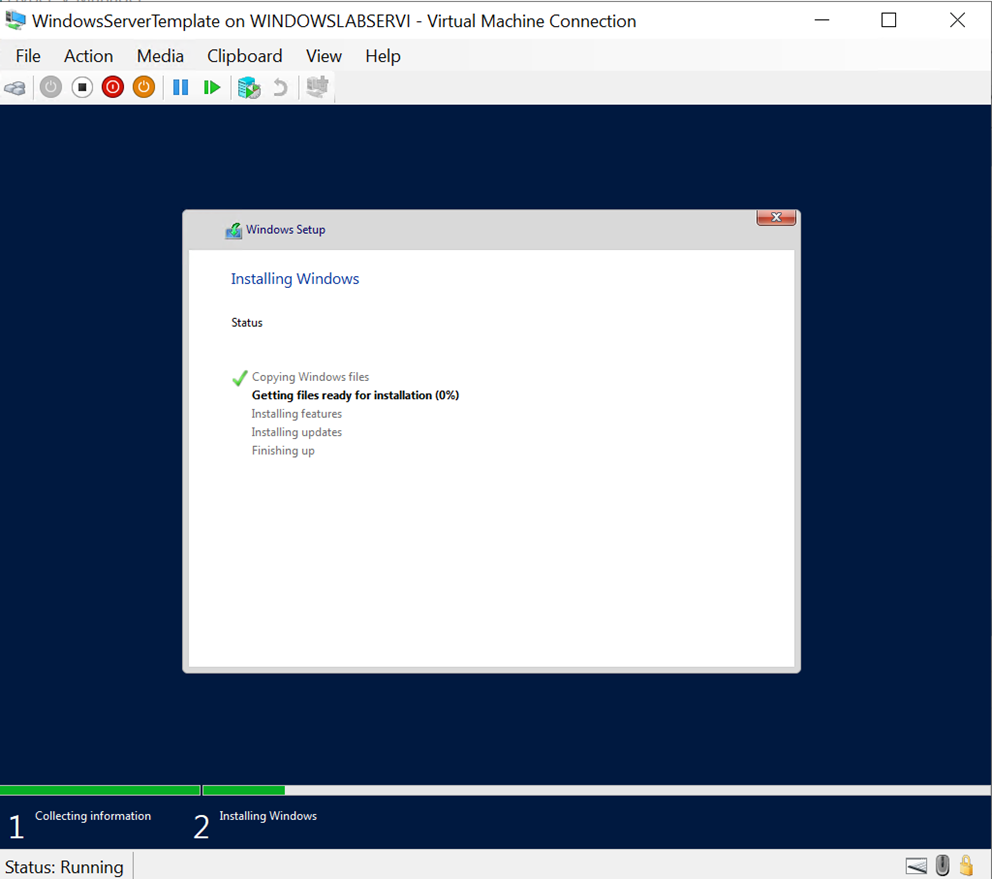
Added a virtual hard drive of 30 GB and installed the OS using an ISO file.
Summary of the virtual computer
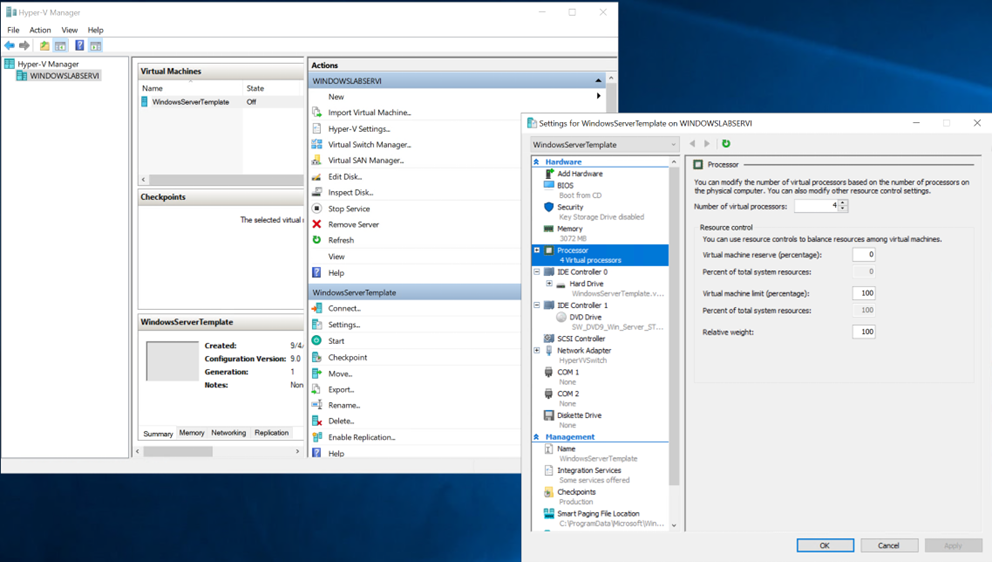
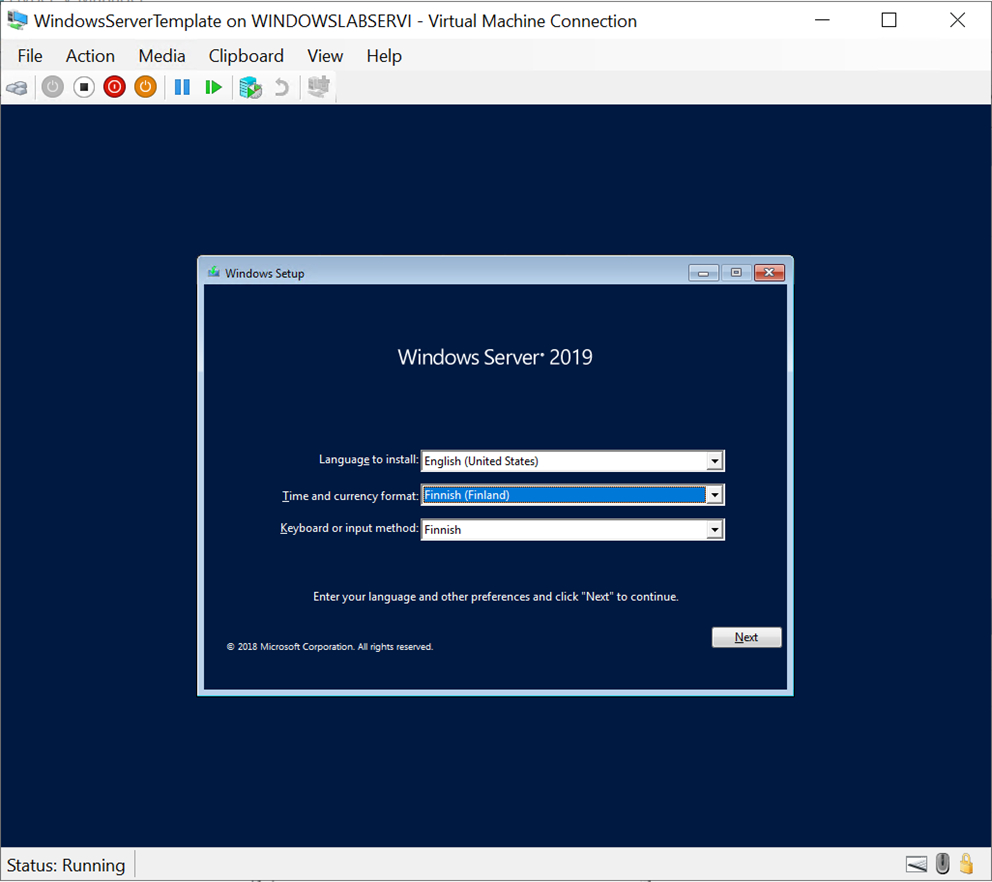
Configured settings such as 4 CPUs, English language, Finnish timezone, and set Administrator password to Qwerty789.
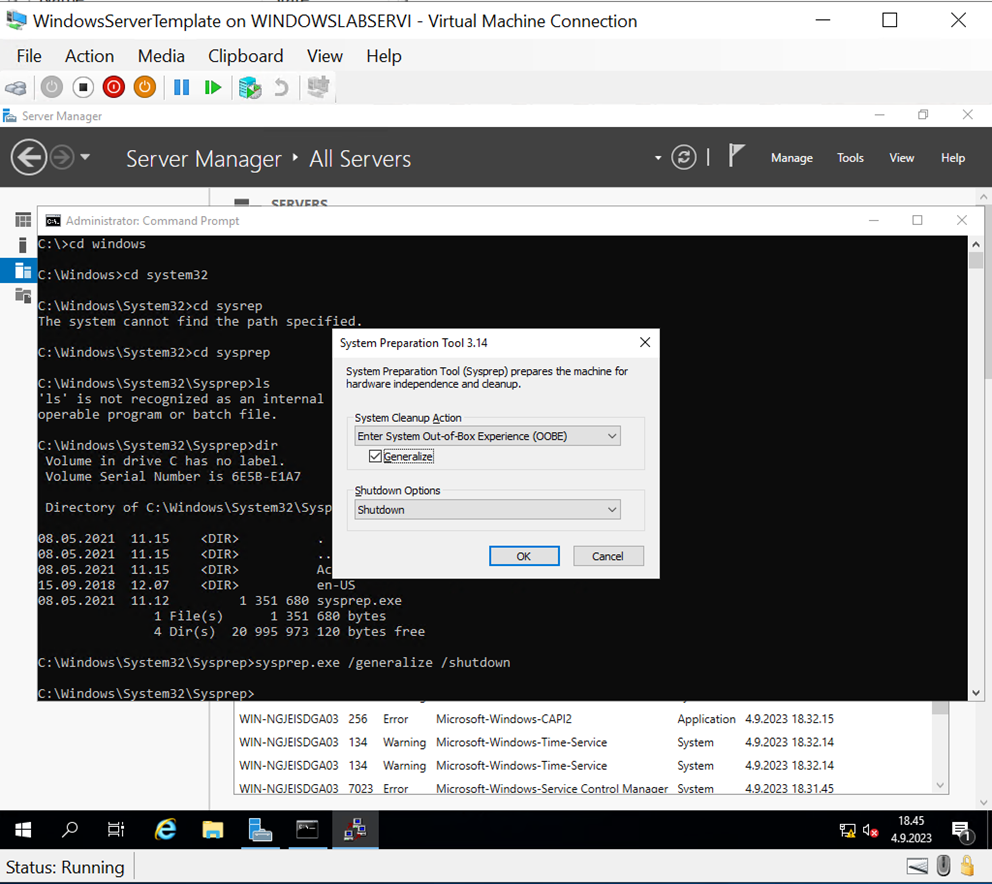
Ran Sysprep to generalize the machine for future use.
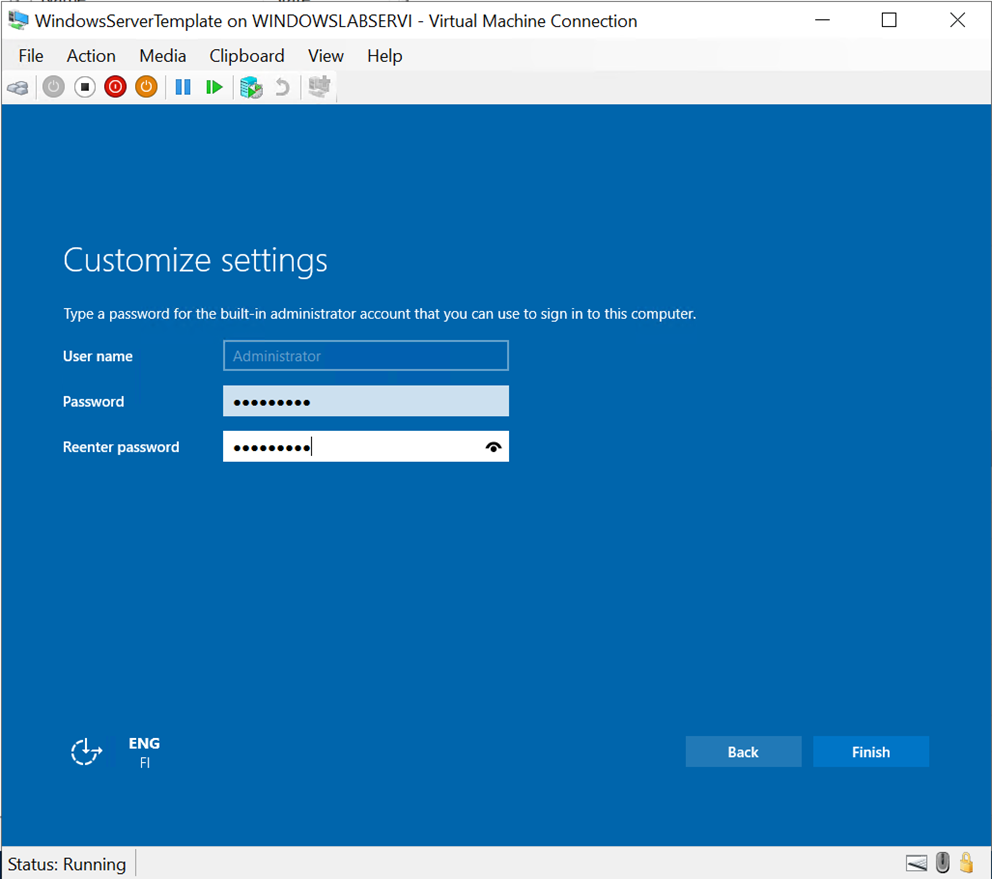
Fired up the virtual machine again and customized the settings and set administrator password
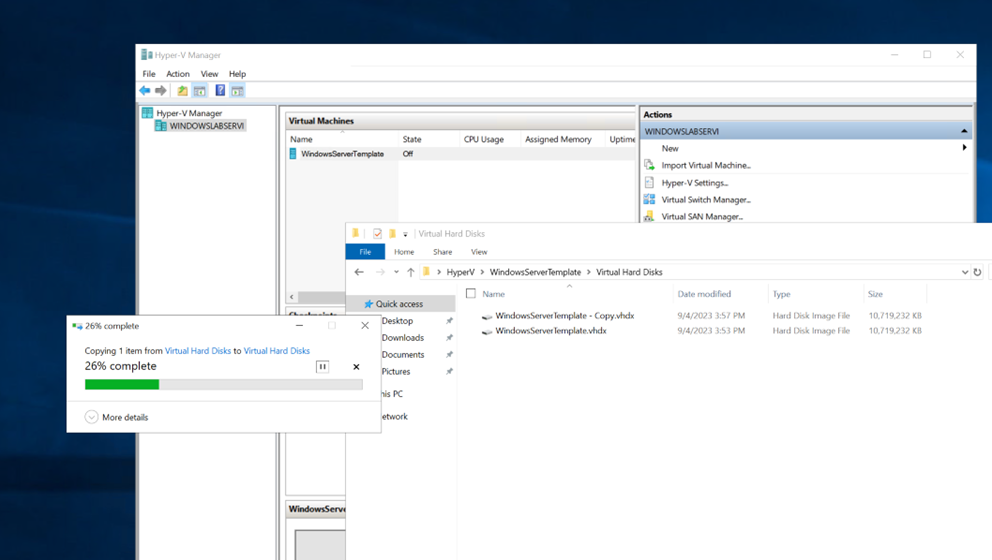
Exported from the Hyper-V Manager to the hard drive
Lecture 3 - Command Line Basics
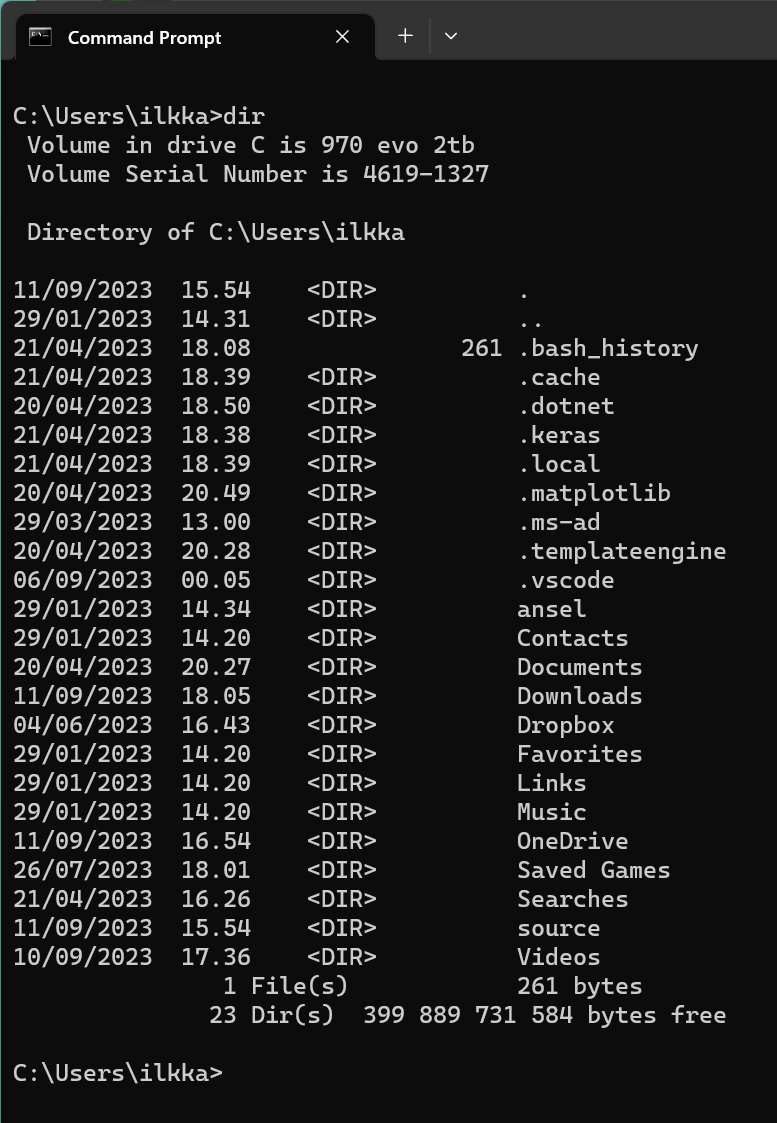
Practiced common command line tools on a local machine due to logging out of the Azure VM.
Commands included:
dir: Display directory contents.
cd: Change directory.
ipconfig: Display network settings.
xcopy: Copy files and directories (noted as an improvement over MS-DOS 6.22's "copy").
mkdir, rmdir, attrib, chkdsk, format, and others.
Highlighted using help to get more information on each command.
Lecture 3 - Networking and Domain Configuration
Created a virtual machine and bumped up the processors to four.
Encountered an error, restarting the virtual machine from the Azure Labs helped to solve this
Assigned TCP/IP addresses manually as required.
Attempted to use nslookup but faced an issue with typos.
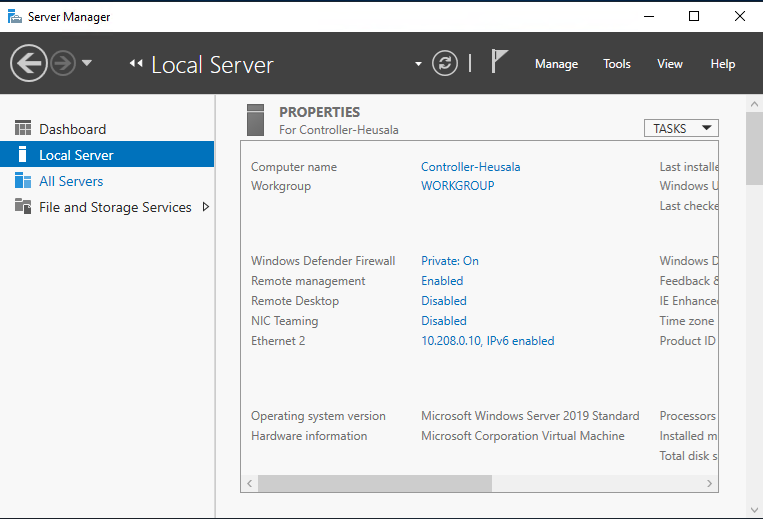
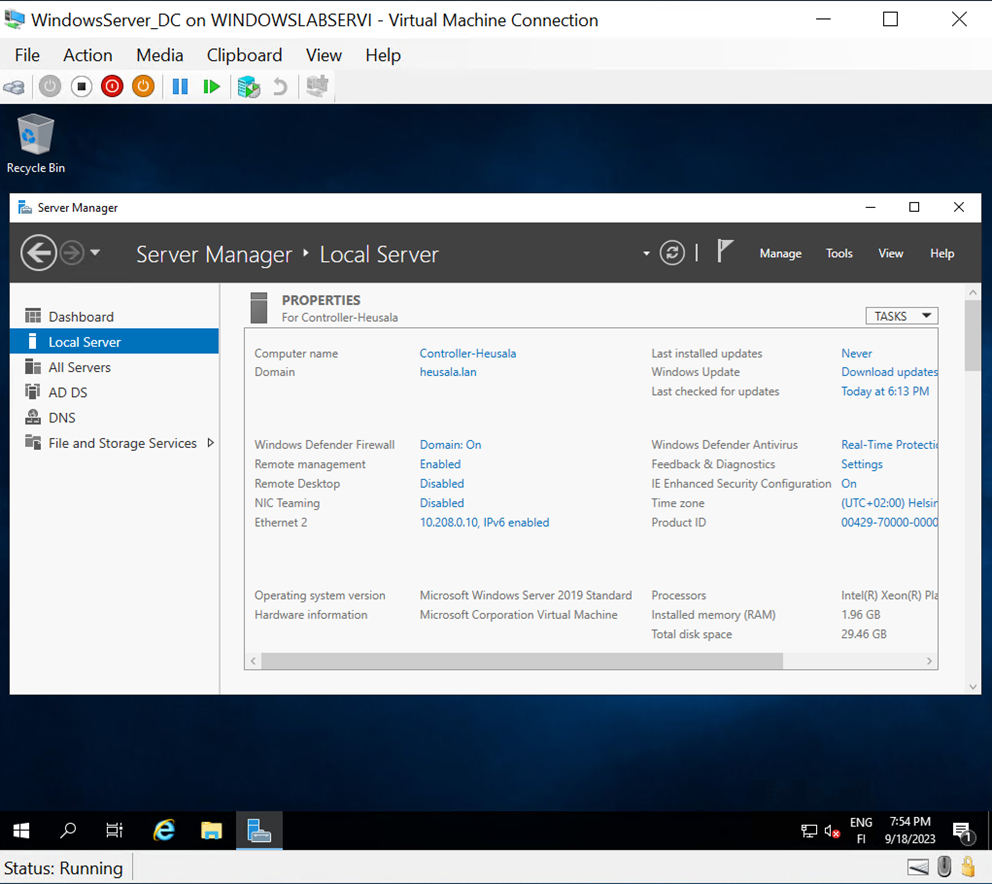
Renamed the machine to "Controller-Heusala."
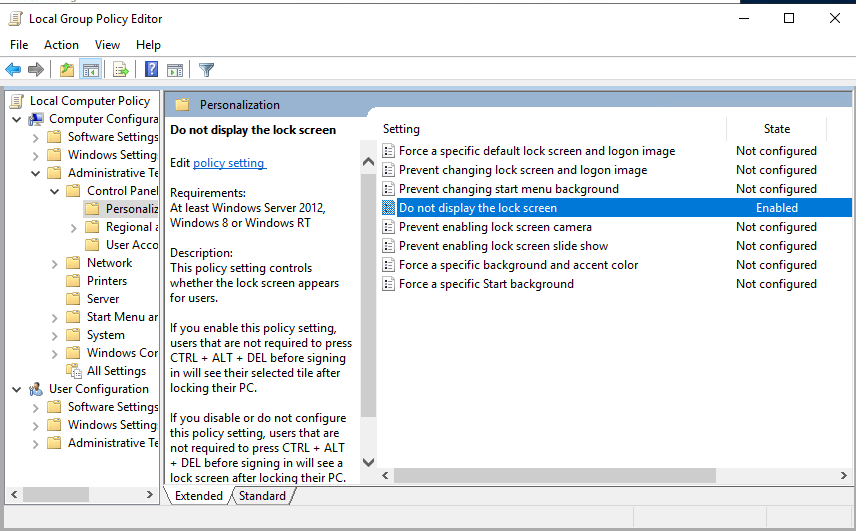
Do not display lock screen setting
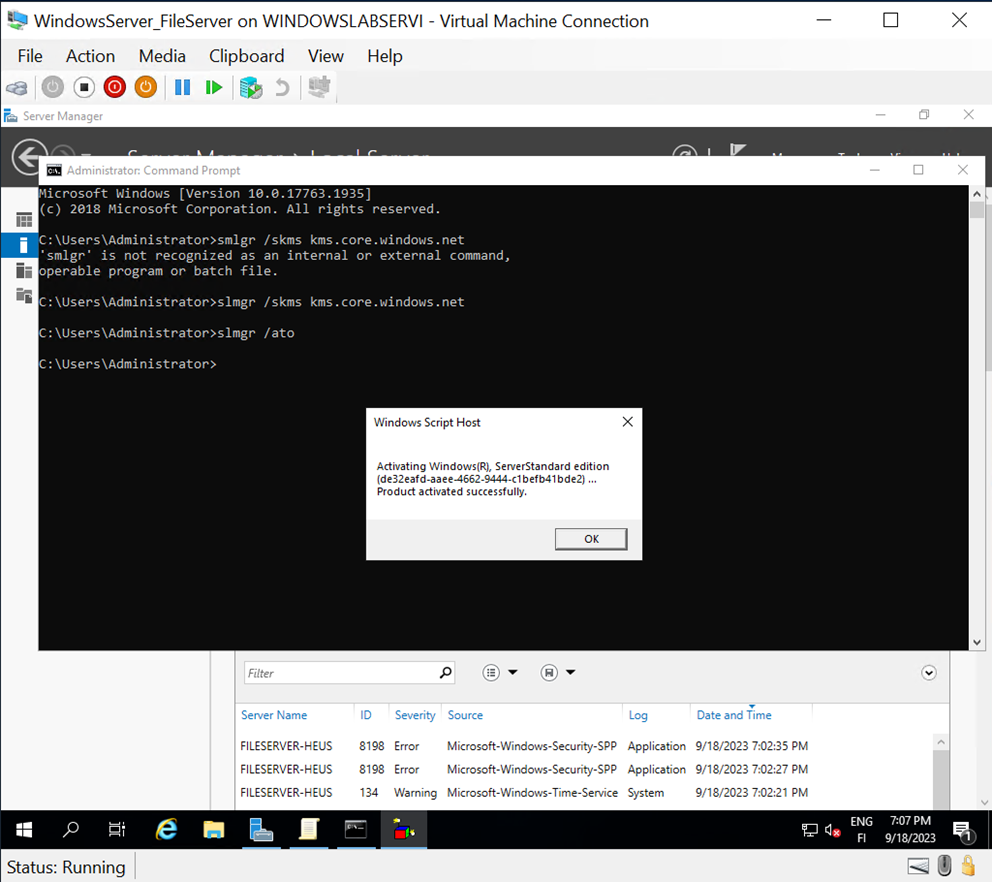
Few errors were encountered, but the machine was successfully activated later.
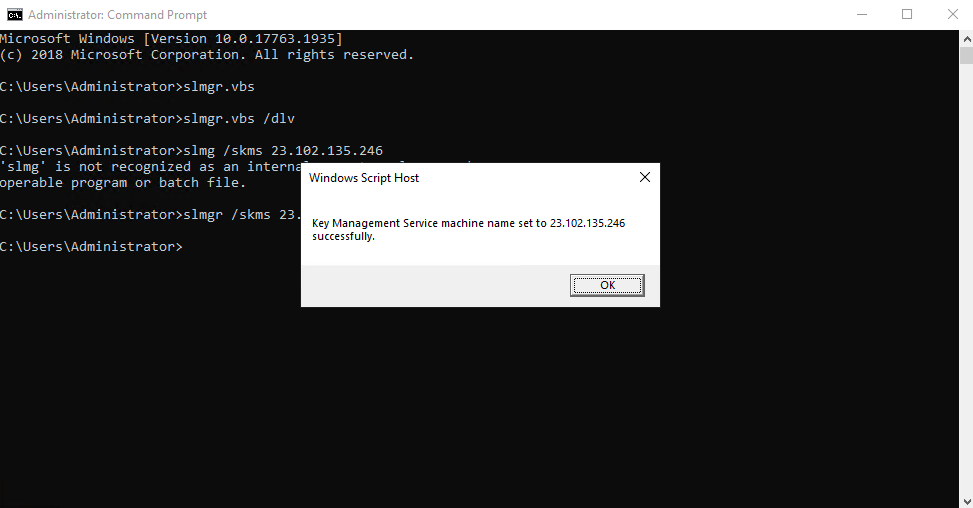
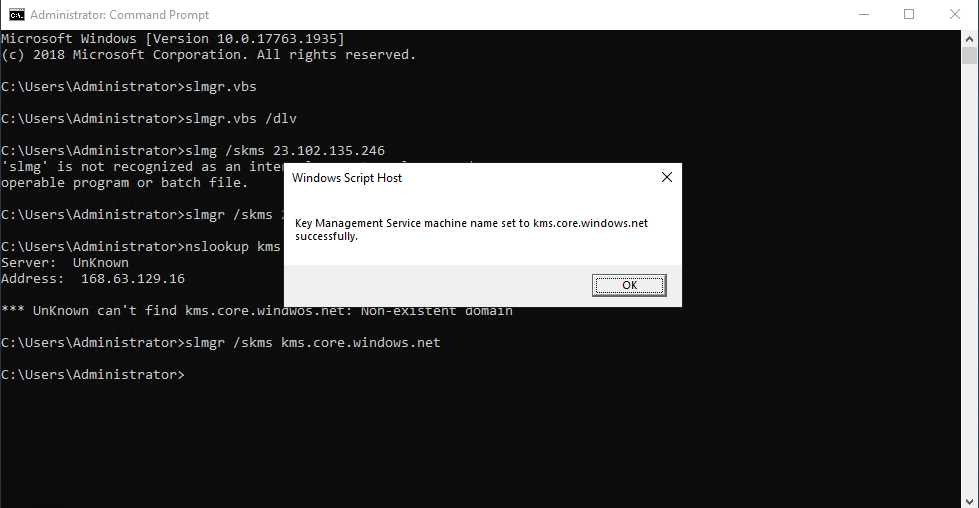
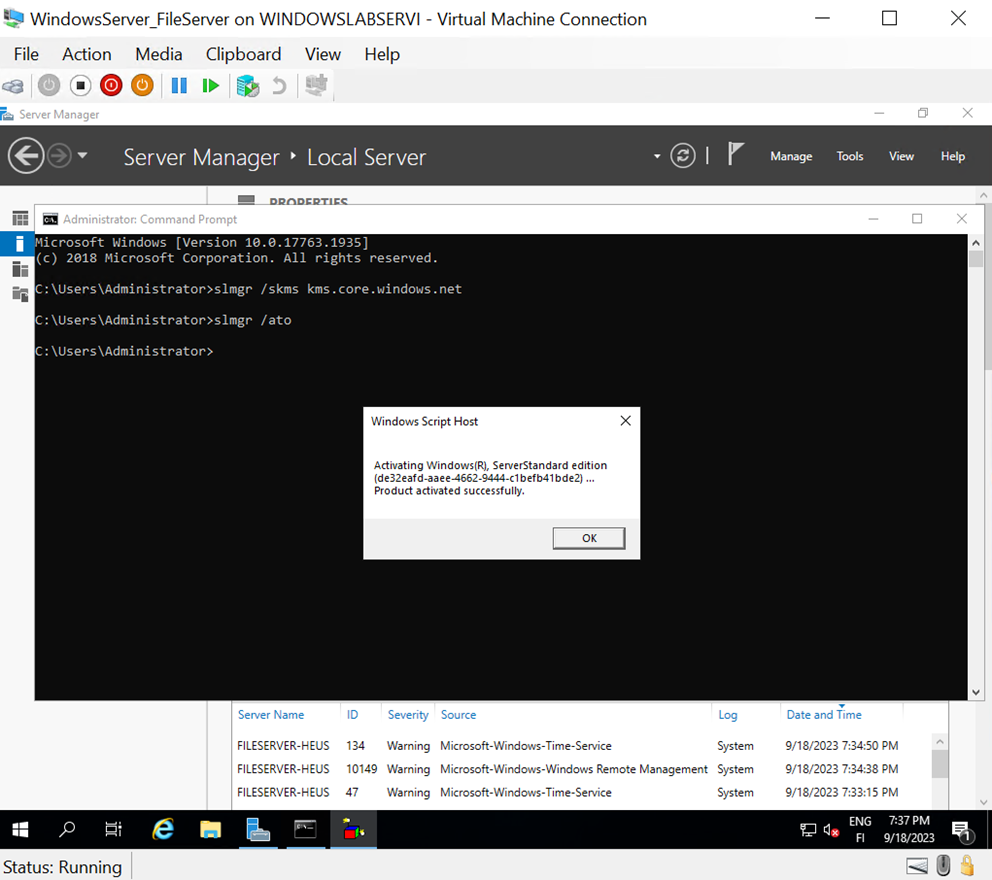
Changed the address to kms.core.windows.net
Activated Windows using smlgr /ato command.
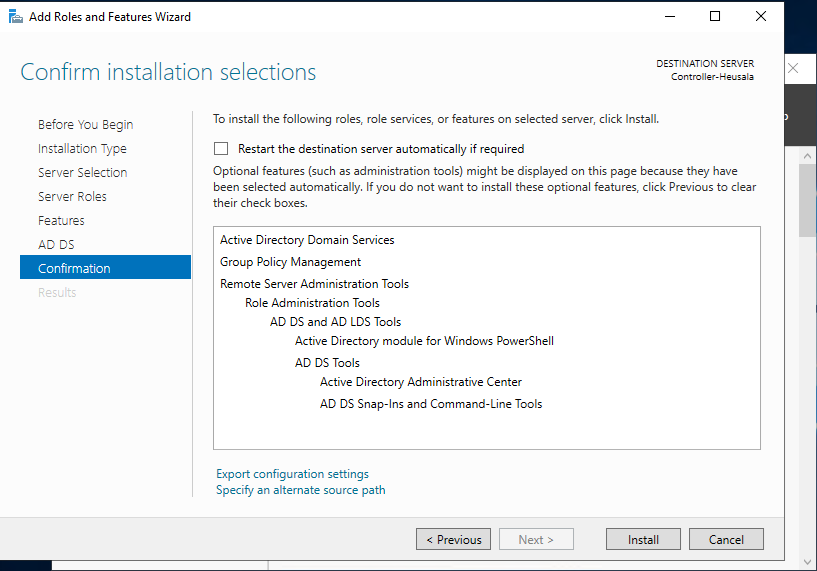
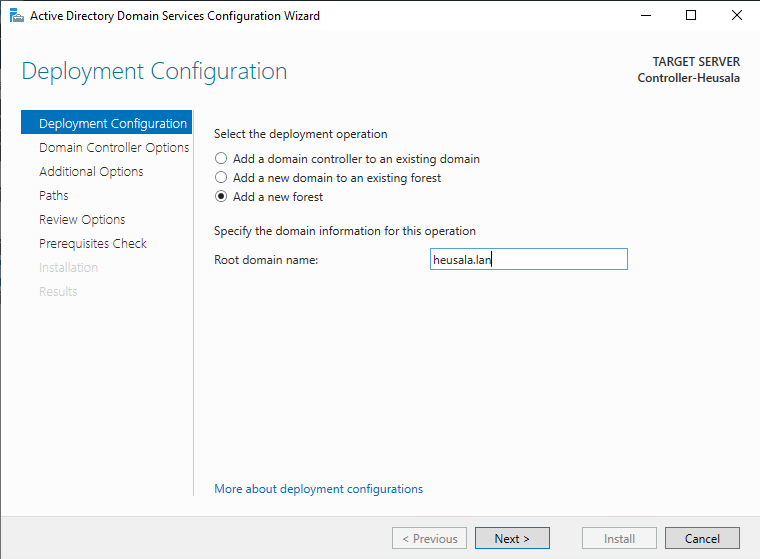
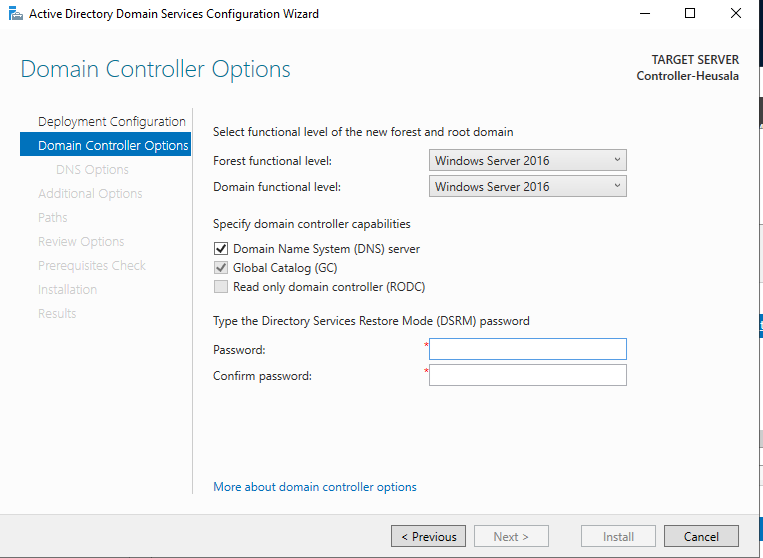
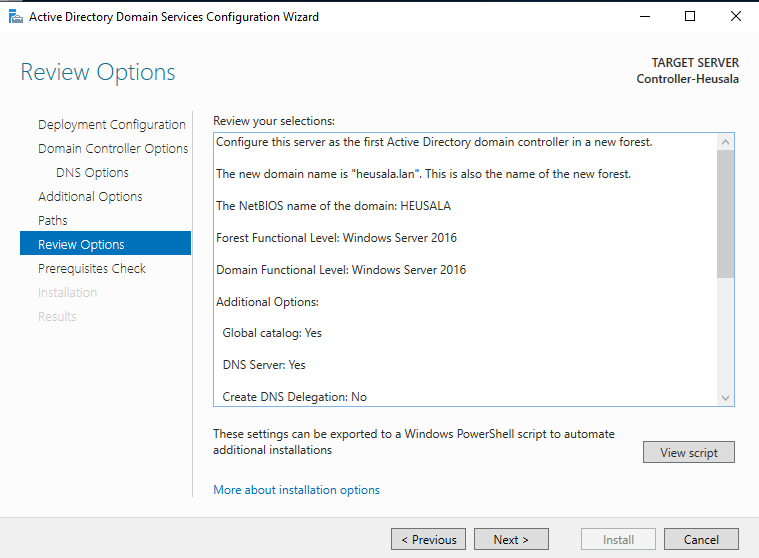
Installed Active Directory Domain Services (AD DS) and promoted the server as a domain controller for "heusala.lan."
Lecture 4 - File Server Setup
Created a new virtual machine and configured it with a Sysprepped virtual hard disk file WindowsServer_FileServed.vhdx. The machine was set up with:
RAM: 3072 MB
Processor cores: 4
Generation: 1 with dynamic memory allocation
The virtual machine was booted.
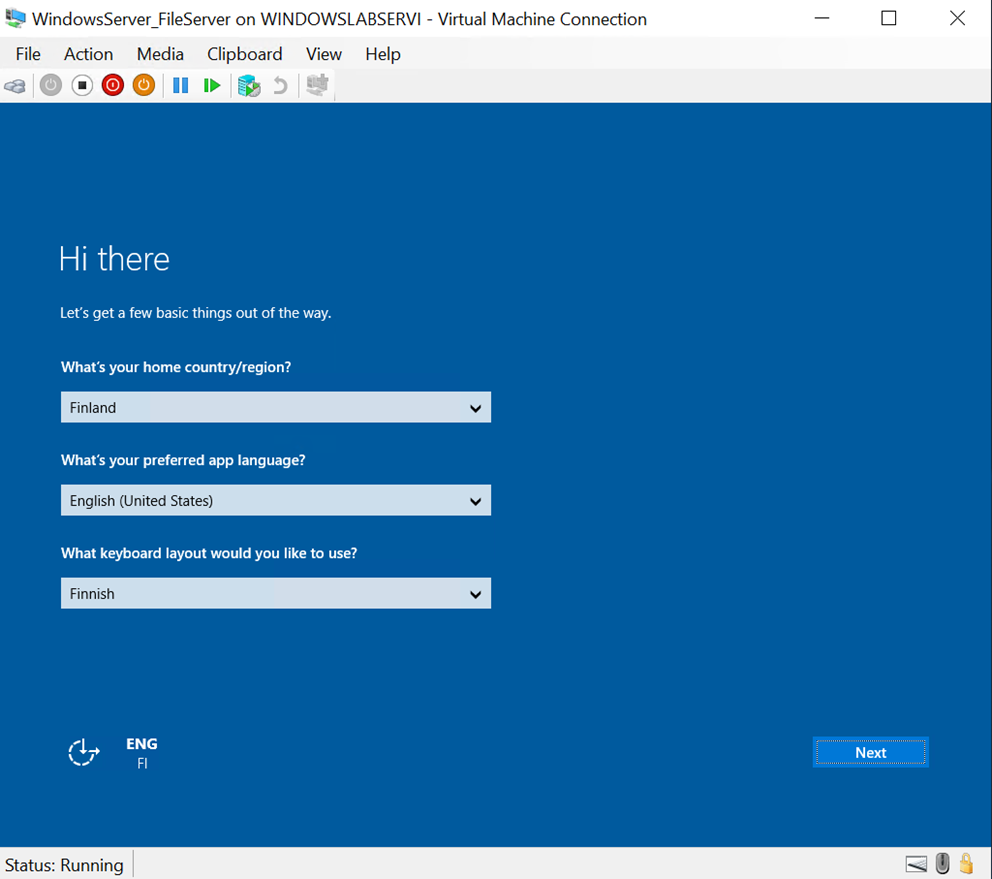
Contrary to the instructions, the virtual machine did not prompt for keyboard and language settings, as the English language (ENG) and Finnish keyboard layout (FI) were already enabled by default. The machine had a preconfigured Administrator password of Qwerty789 and username Administrator. Could this indicate that Sysprep was executed successfully earlier?
Upon inspection, Sysprep appeared to have been executed successfully on the machine. However, I was unsure where to change the Administrator password on the FileServer machine.
Managed to change the Administrator password through Settings → Accounts → Sign-In Options, updating it to 789Qwerty.
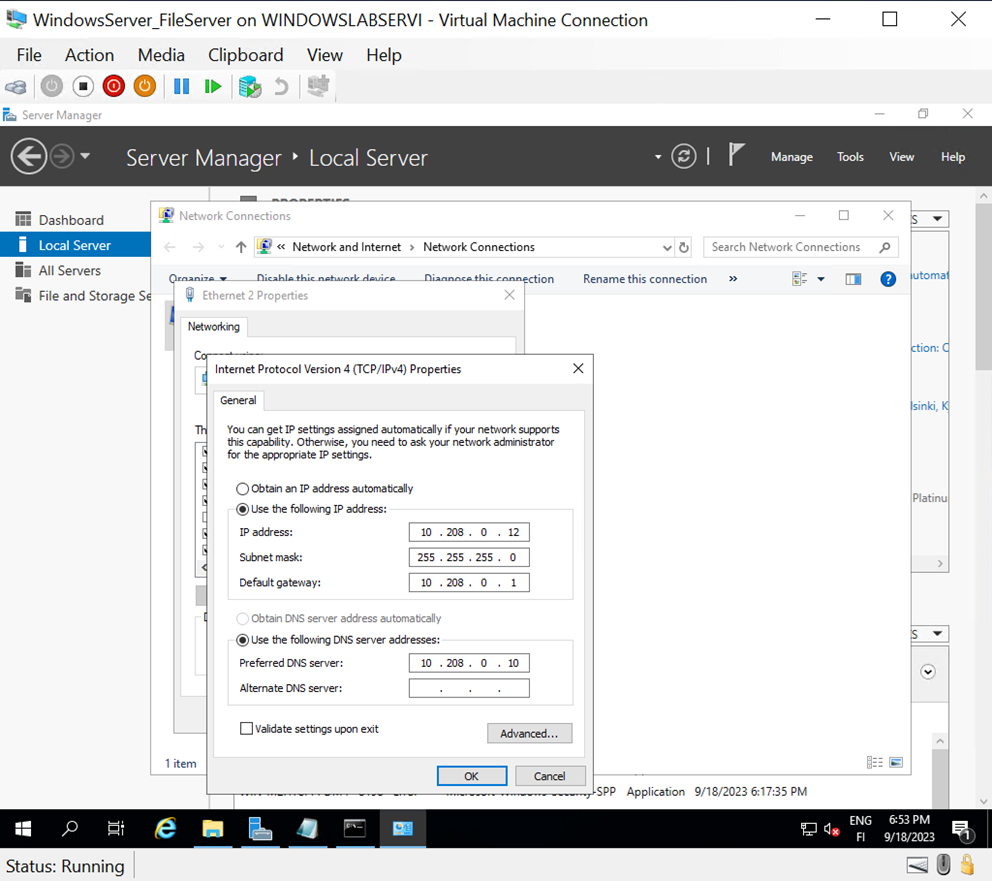
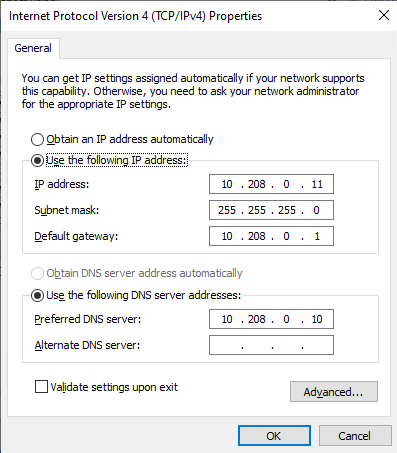
Configured a static IP address with specific values for the subnet mask, default gateway, and DNS server as per the instructions.
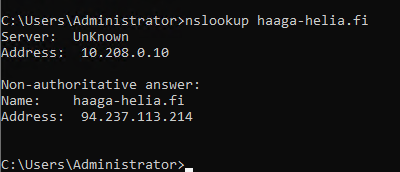
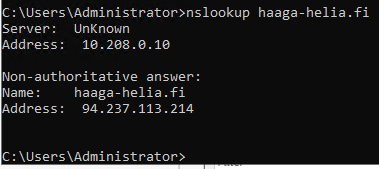
Verified network connectivity with a successful nslookup query.
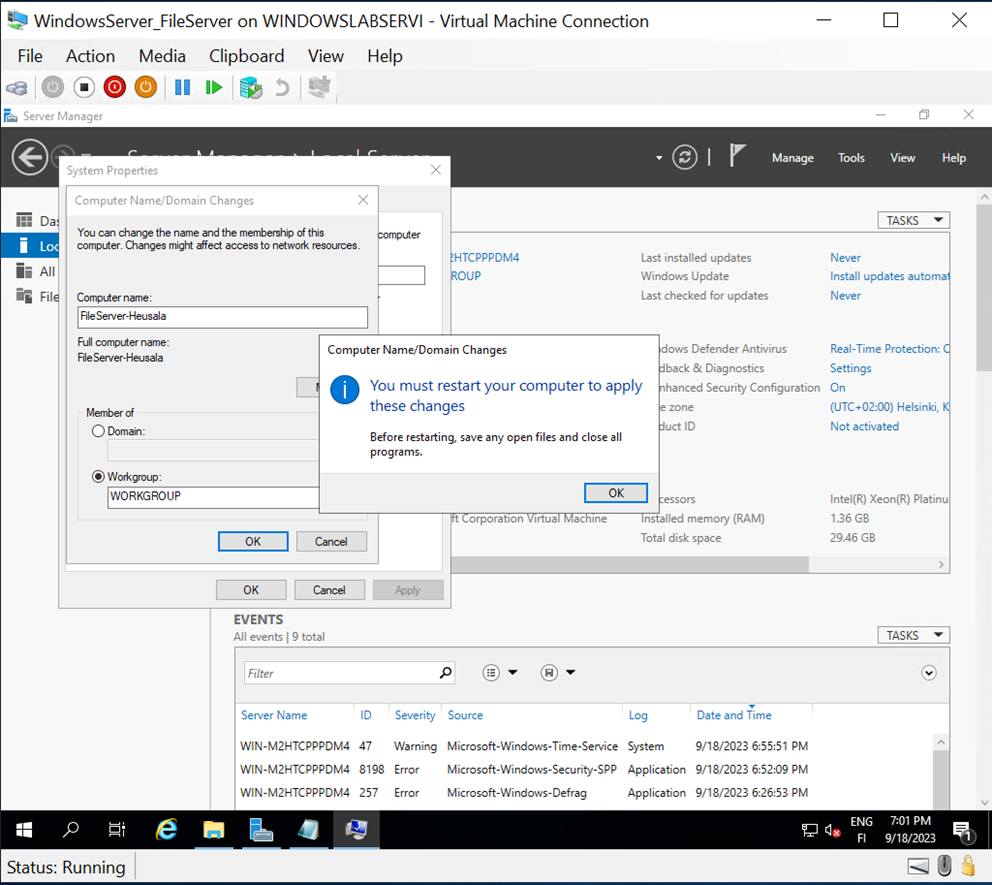
Renamed the machine to FileServer-Heusala, which was automatically shortened to FileServer-Heus.
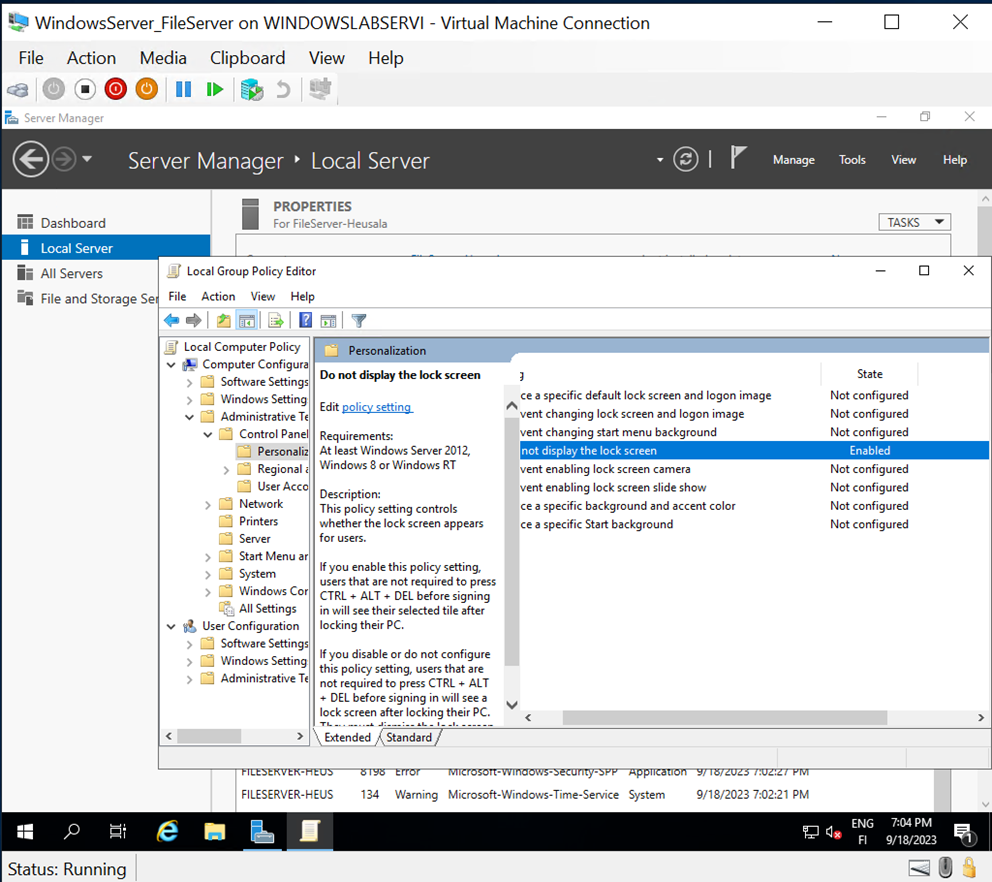
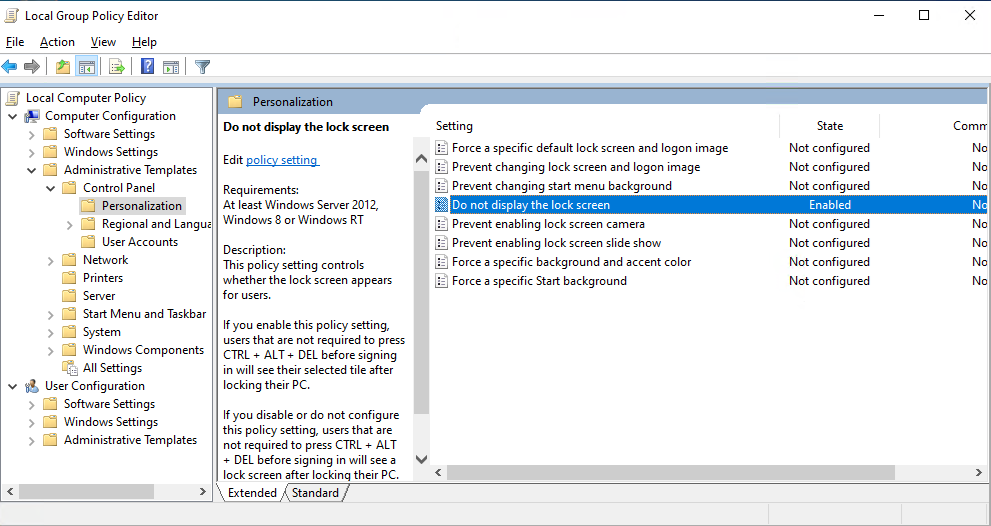
After rebooting the machine, the name change was applied successfully. Also used gpedit.msc to enable the "Do not display the lock screen" policy.
Activated Windows successfully.
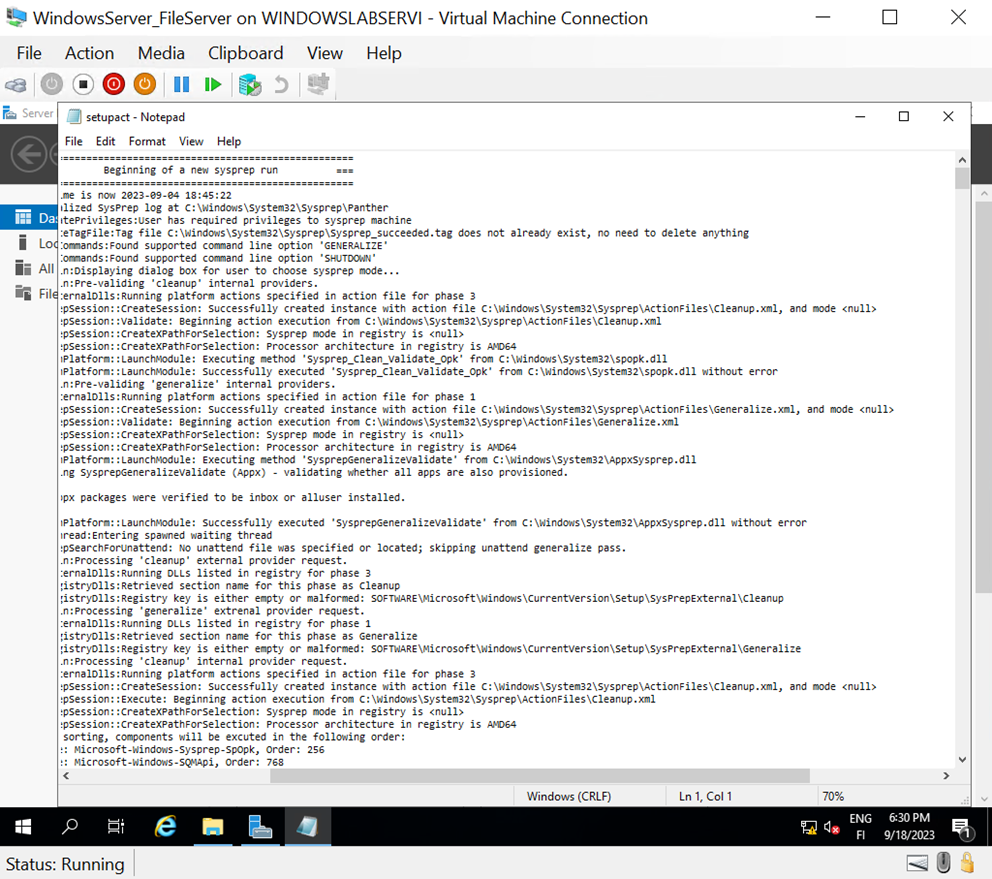
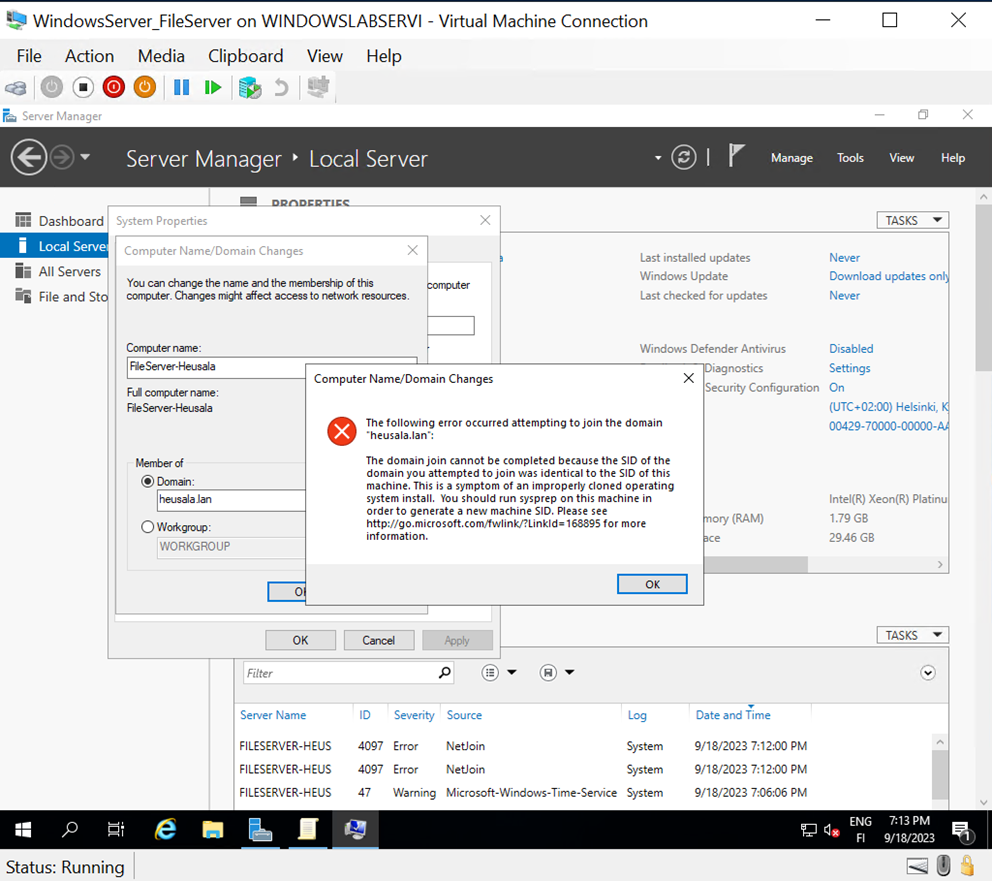
Attempted to join the machine to the Heusala.lan network. However, the process was interrupted due to a conflicting SID (Security Identifier). To resolve this, ran the following command:
sysprep.exe /generalize /shutdown
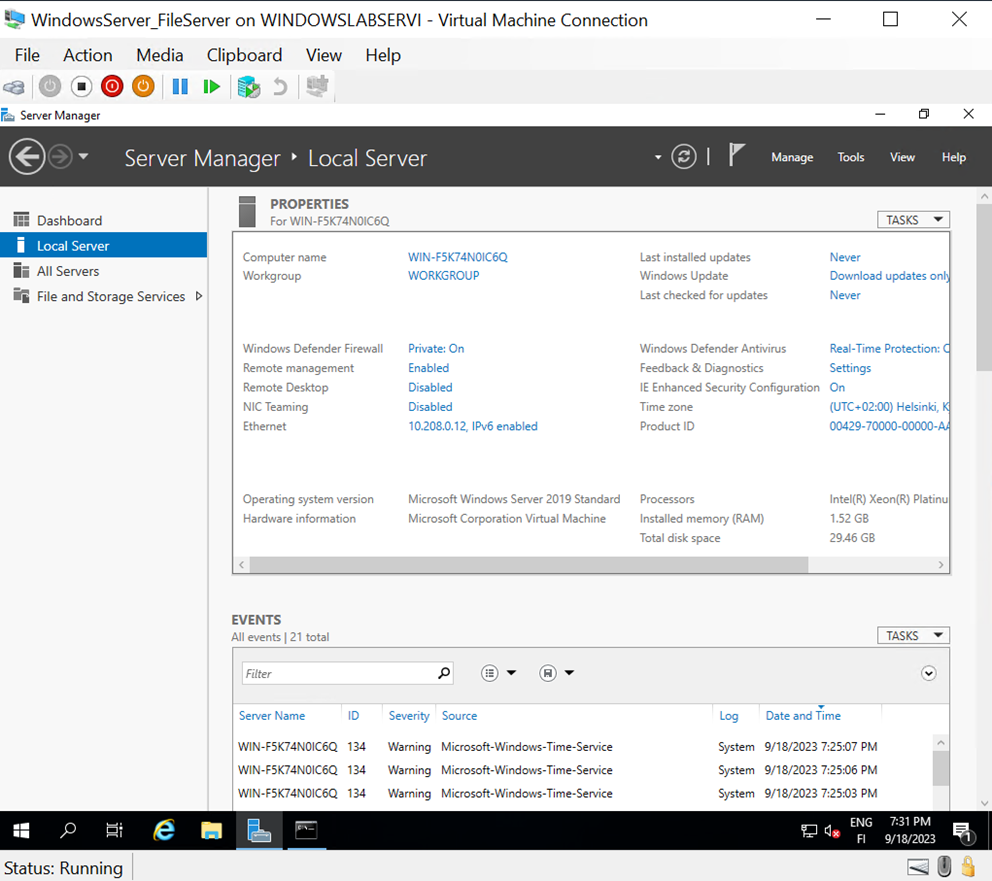
This restarted the configuration process from scratch.
During the second attempt, the setup displayed the correct prompts, allowing me to configure the password as per the instructions from the start.
Reconfigured the static IP address and used gpedit.msc to set the network to private.
Verified network connectivity again with another successful nslookup query.
Renamed the machine again to FileServer-Heusala, which was automatically shortened to FileServer-Heus.
Checked the "Do not display the lock screen" setting in gpedit.msc and found it was already set to Enabled.
Activated Windows successfully.
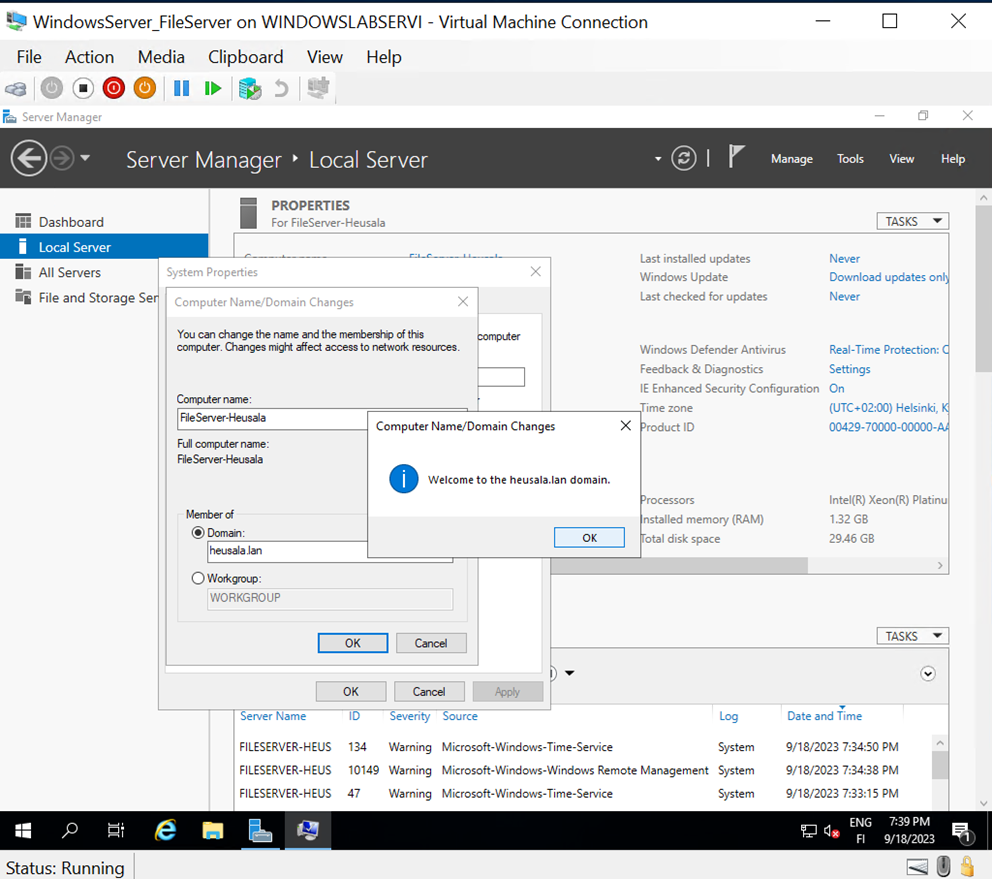
Successfully joined the machine to the Heusala.lan domain and rebooted it. Logged in with Administrator@heusala.lan using the password Qwerty789.
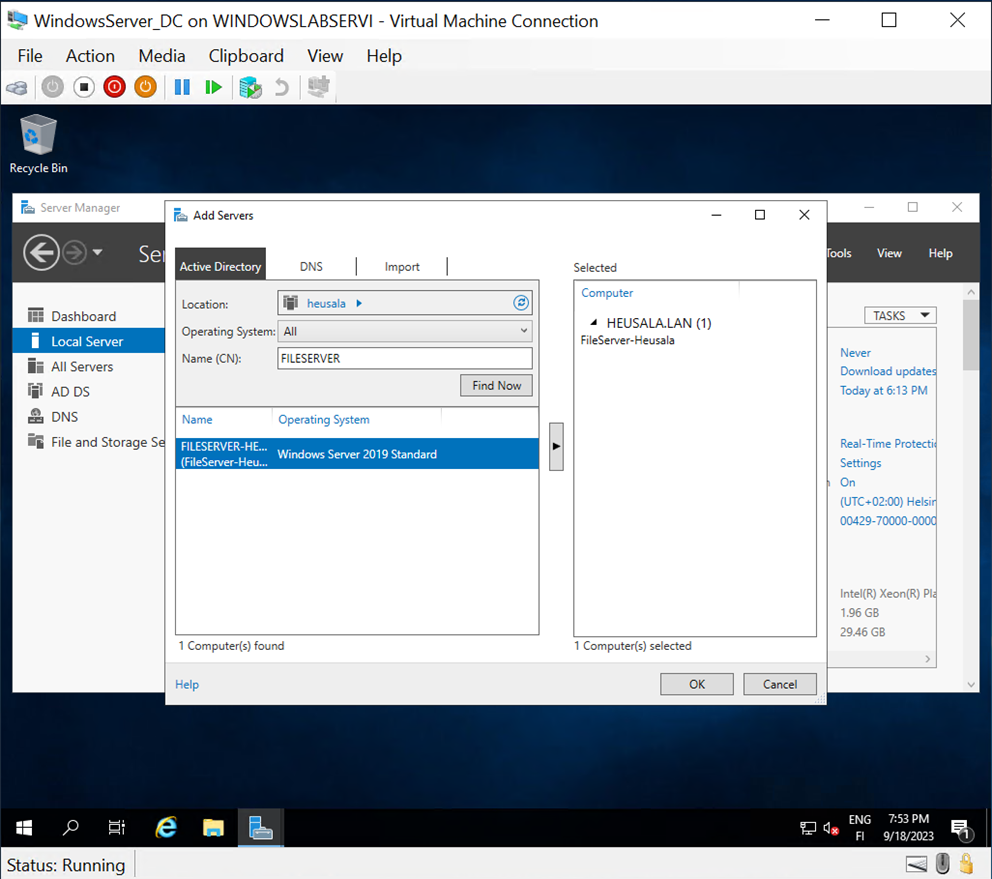
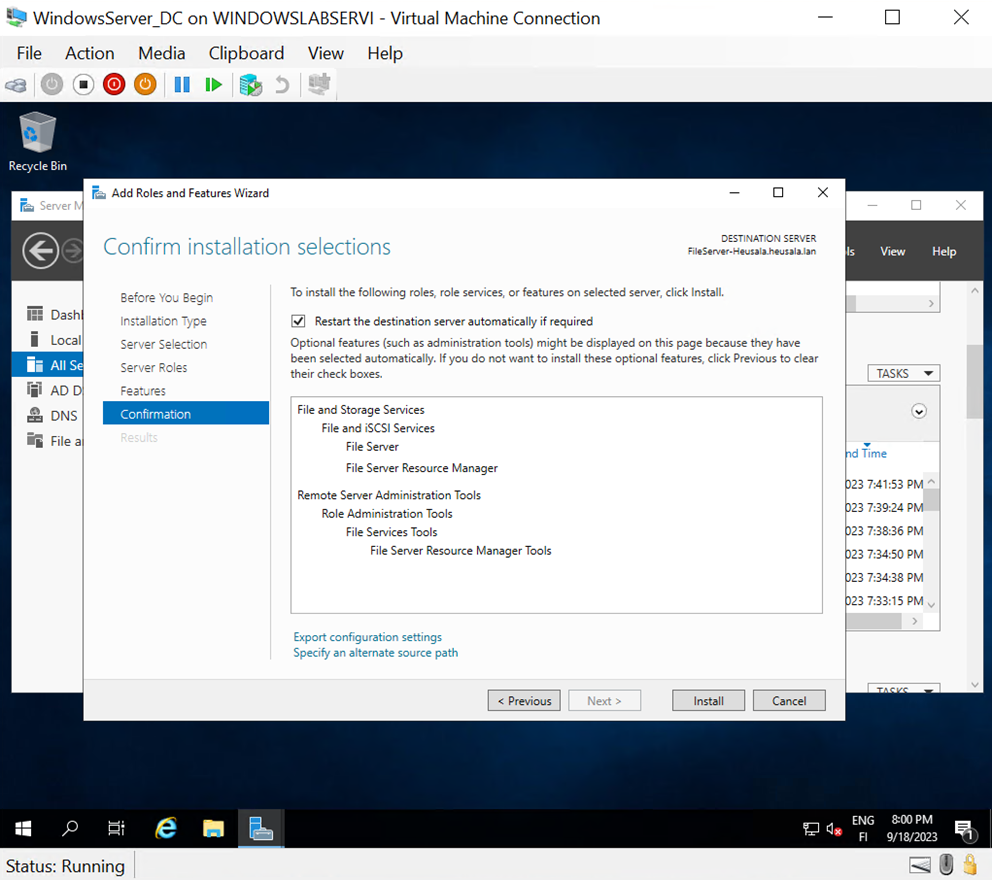
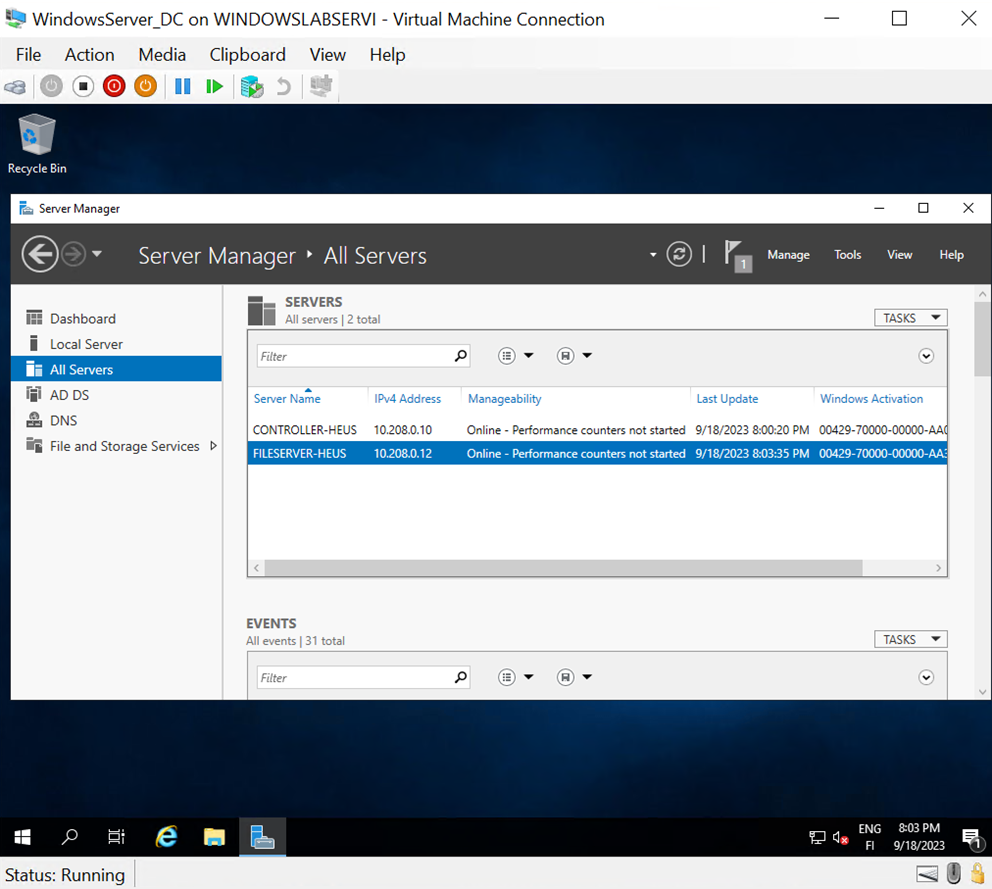
From the domain controller, added the file server role to the machine.
Noticed that the network mode was set to Domain: On rather than private. Unsure if this affects the configuration.
Added the File Sharing role and installed the necessary services from the domain controller to the file server.
Restarted the file server after assigning the roles, from Server Manager
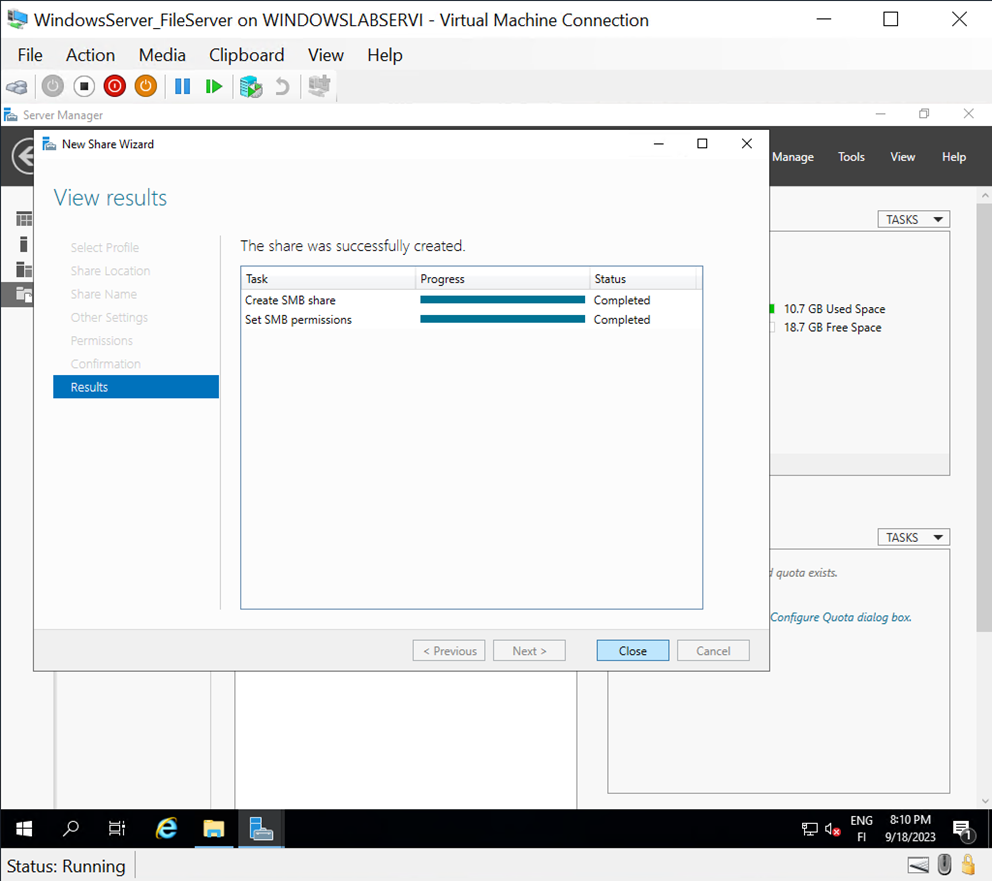
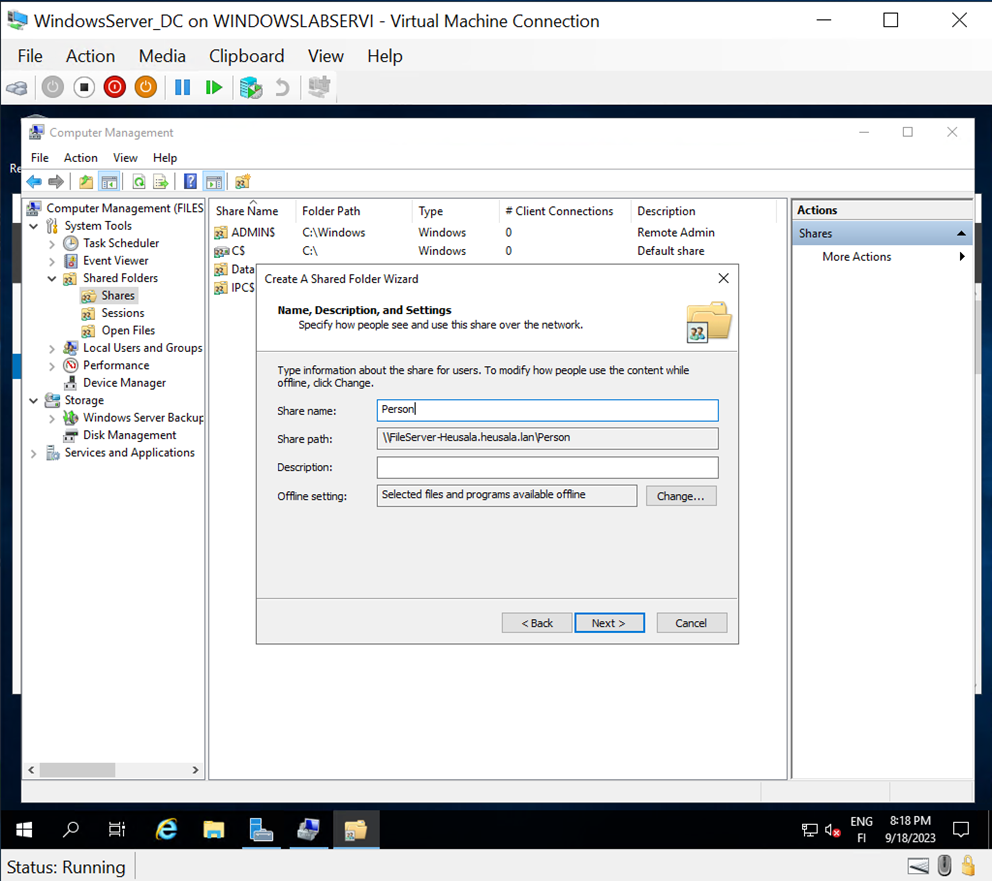
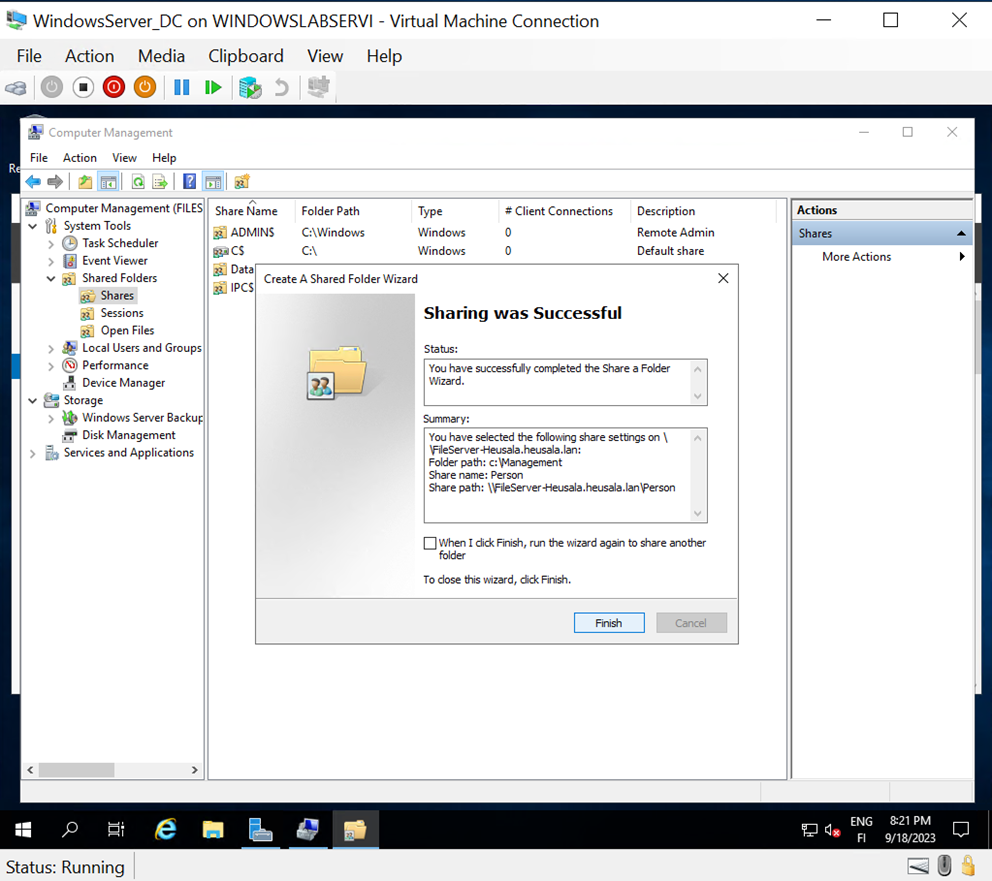
Following the instructions, created a shared folder at C:\files with the share name Data.
It seems the original share name will not be used, as each user will have their personal directory located in the management folder on the file server.
The shared folder's summary was displayed on the domain controller.
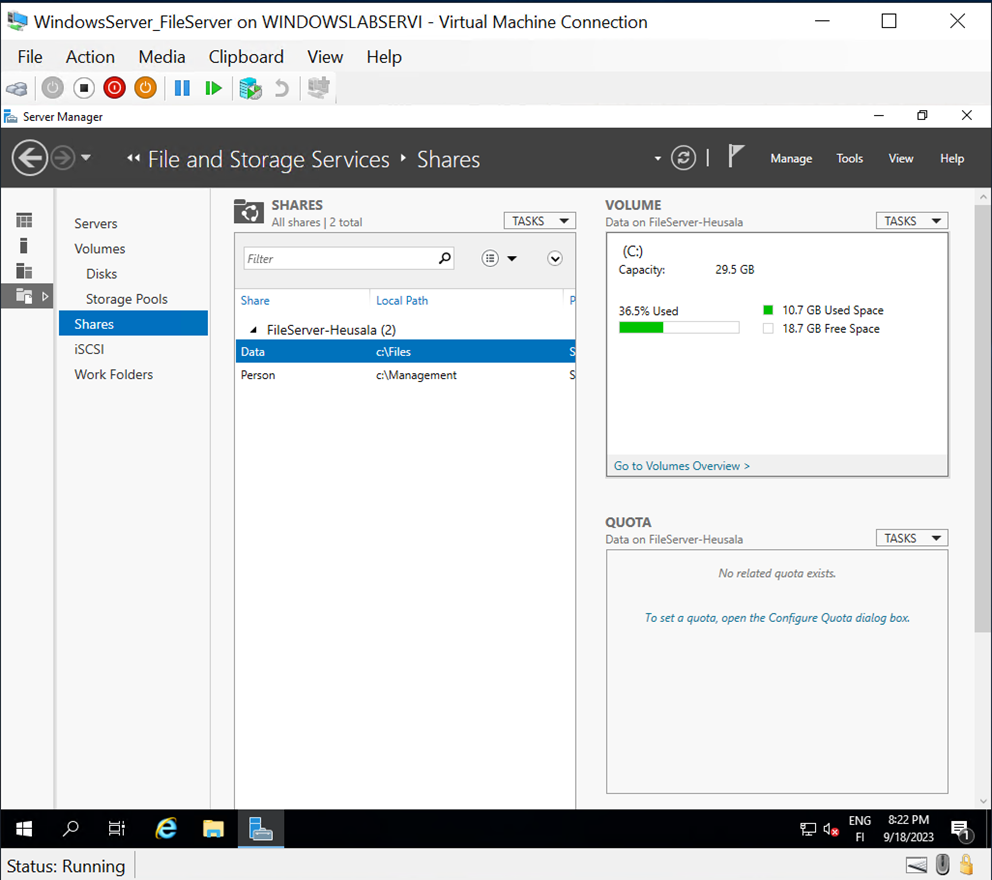
The shared folders were verified to display correctly on the file server.
Lecture 5 - Active Directory Administration
Due to issues with screenshots in Windows, I apologize for the lack of images. There seems to be a problem with Word's copy-paste functionality.
Task 1
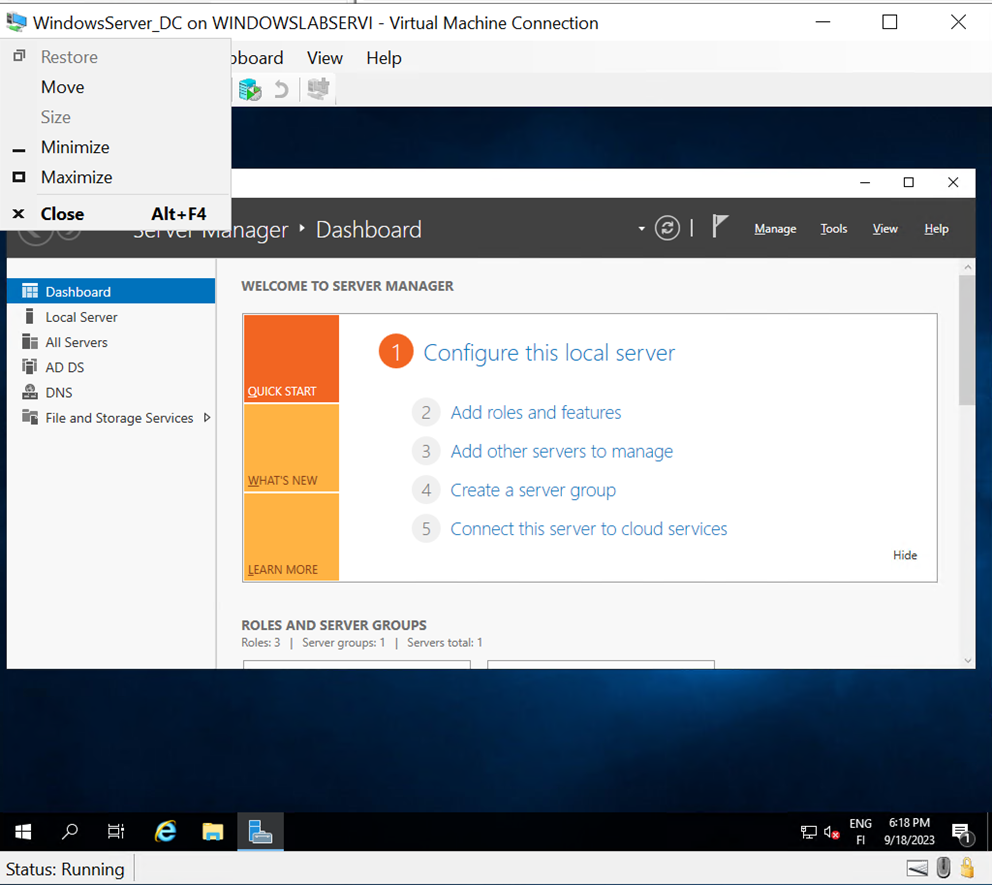
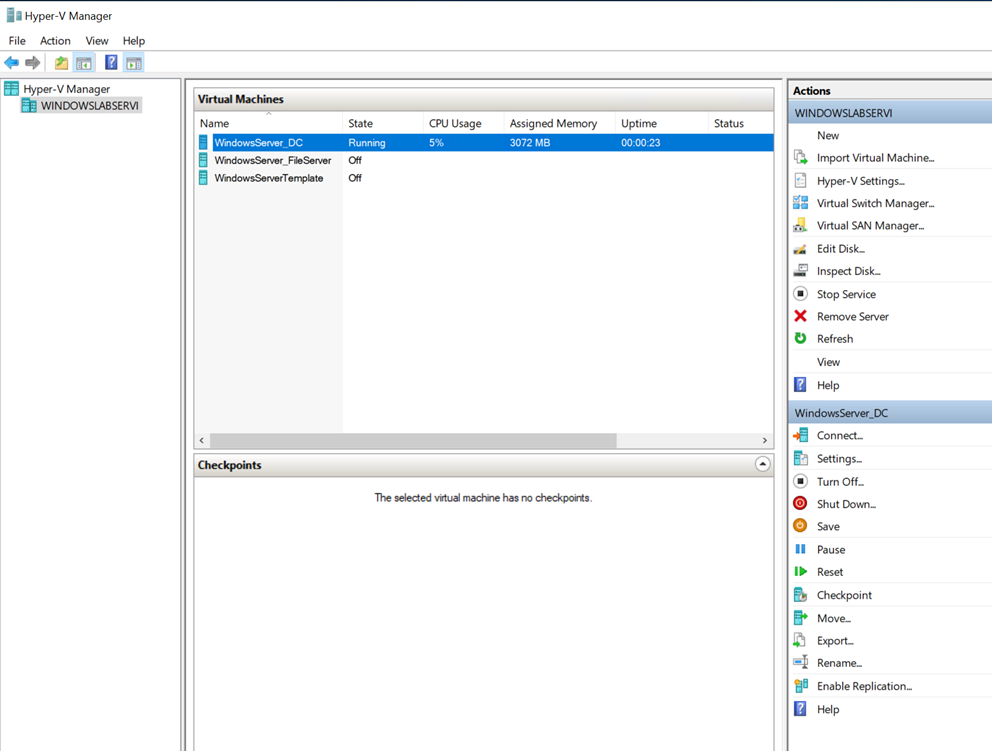
Launched an Azure virtual machine and, from the Hyper-V Manager, started the DC machine.
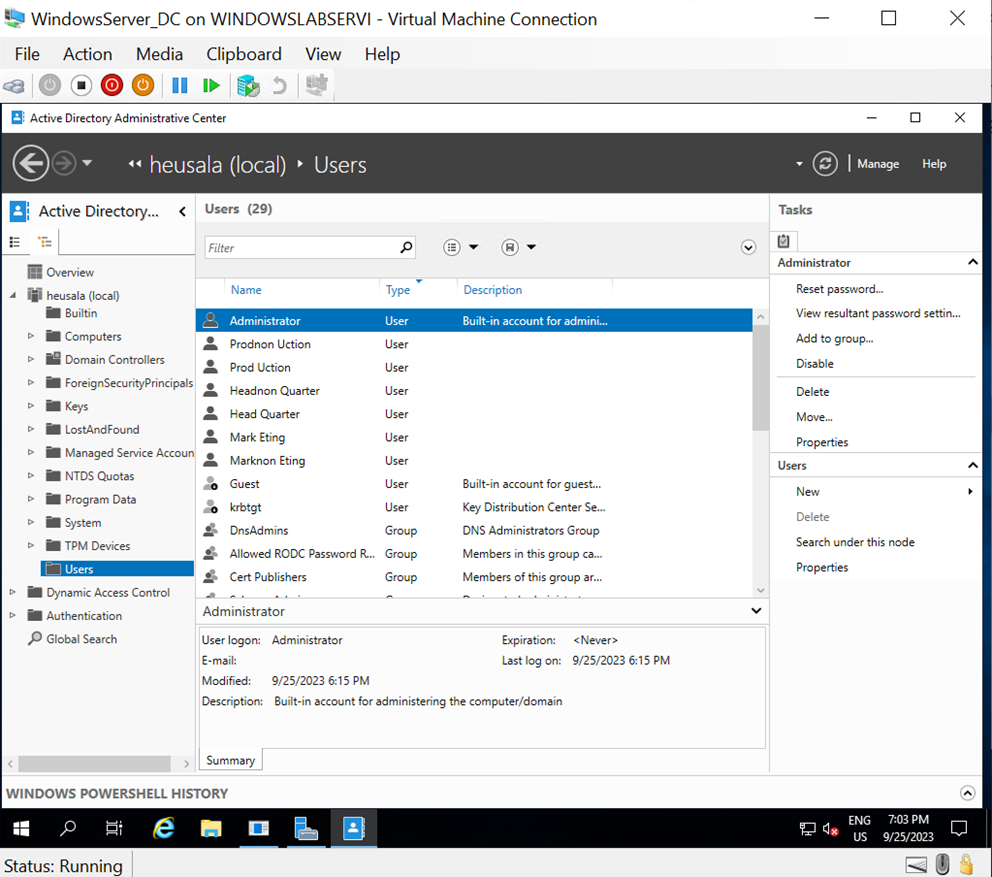
In the Server Manager window on the DC machine, opened the Tools menu and selected the Active Directory Administrative Center.
Enabled the Tree view and explored the Active Directory by browsing through different containers, including groups, users, and the task view.
Task 2
Read and tried to understand the requirements for Task 2.
Task 3
Based on the specifications from Task 2, implemented the required settings in the system.
Created a user in the "Users" container:
Name: Head Quarter
User UPN logon: Head@heusala.lan
Password: Daeh1234! (password does not expire)
Note: Passwords cannot be too simple or they will be rejected. Also, while creating accounts, noticed that the EN/US keyboard layout was active. This shouldn't affect the password but is documented here for reference.
Created groups "Management" and "Non-Management" in Active Directory.
Created organizational units under Heusala.lan: "Accounts" and "Resources."
Under "Accounts," created sub-organizational units: "HeadQuarters," "Production," and "Marketing."
Under "Resources," created sub-organizational units: "Desktops," "Laptops," and "Servers."
Moved users according to instructions into appropriate sub-organizational units under "Accounts" and verified the results.
Moved "FileServer-HEUS" under "Resources" and "Servers."
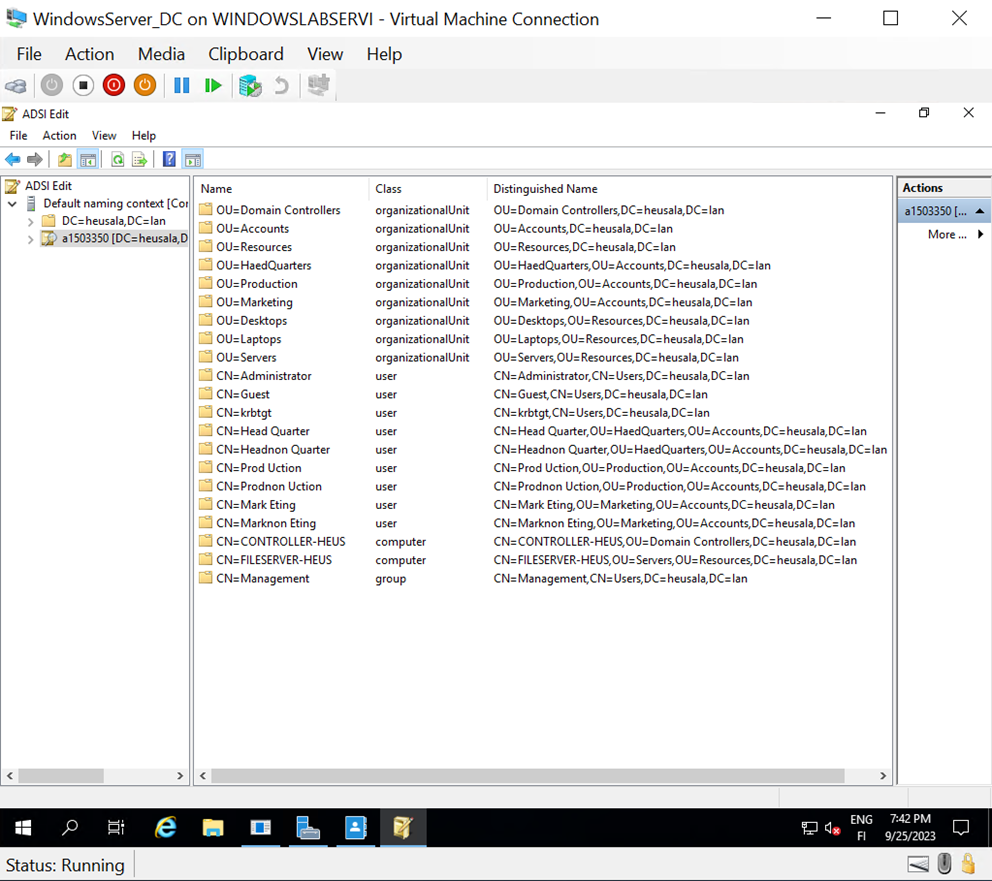
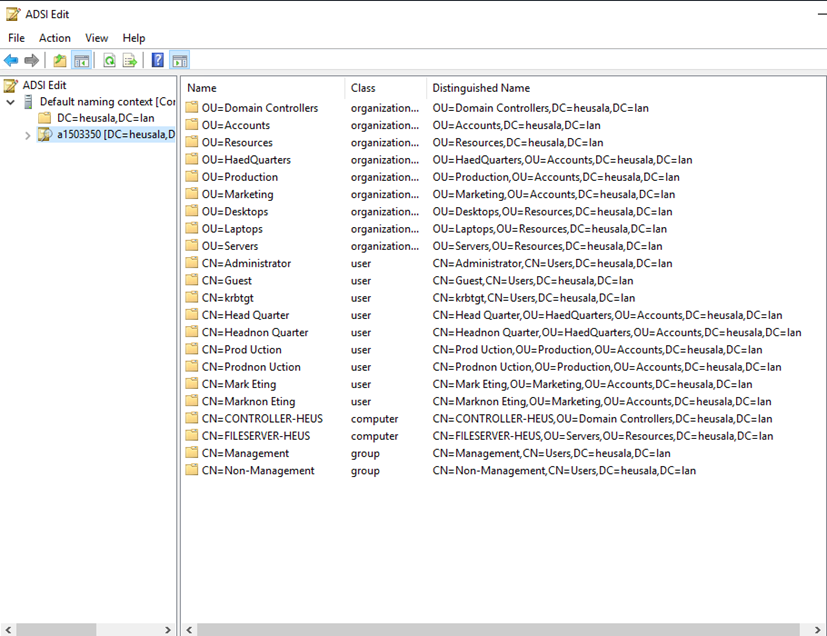
Opened ADSI EDIT from the Server Manager.
Lecture 6 - Group Policy Management
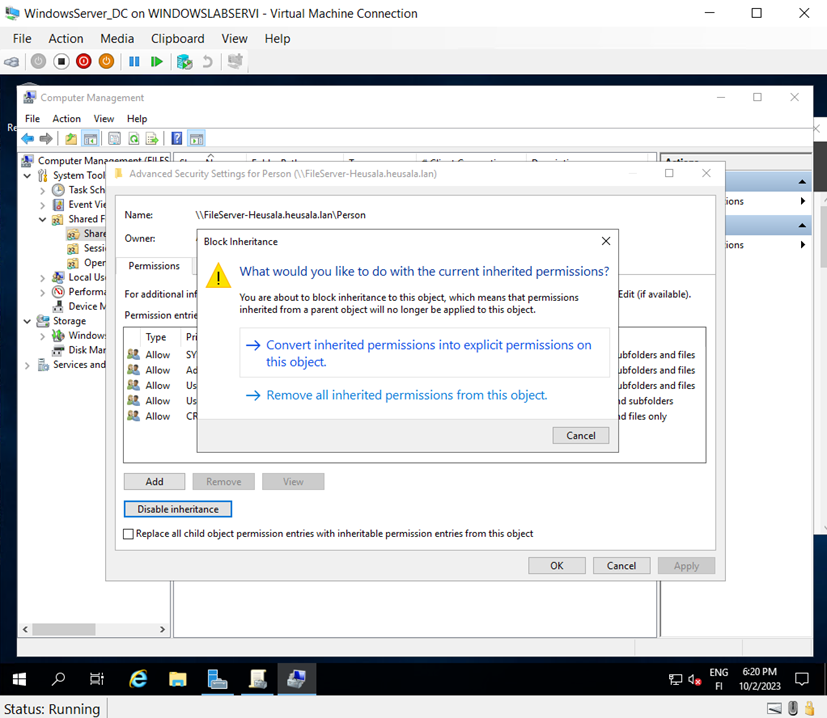
Started working on the task and defining the sharing of "Person" only for admins and management groups.
Selected the upper option to retain the inherited permissions. The logic isn’t entirely clear to me.
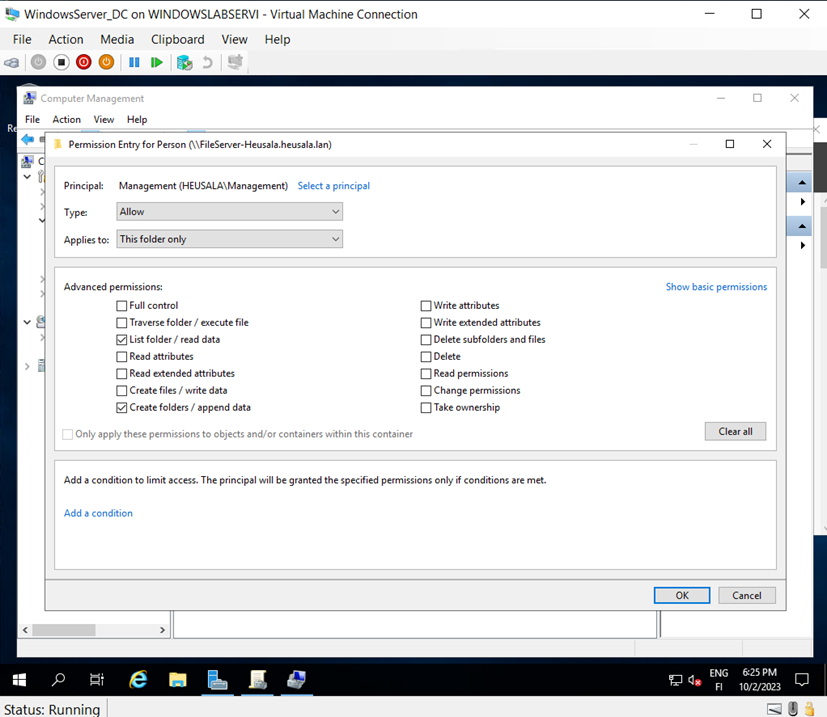
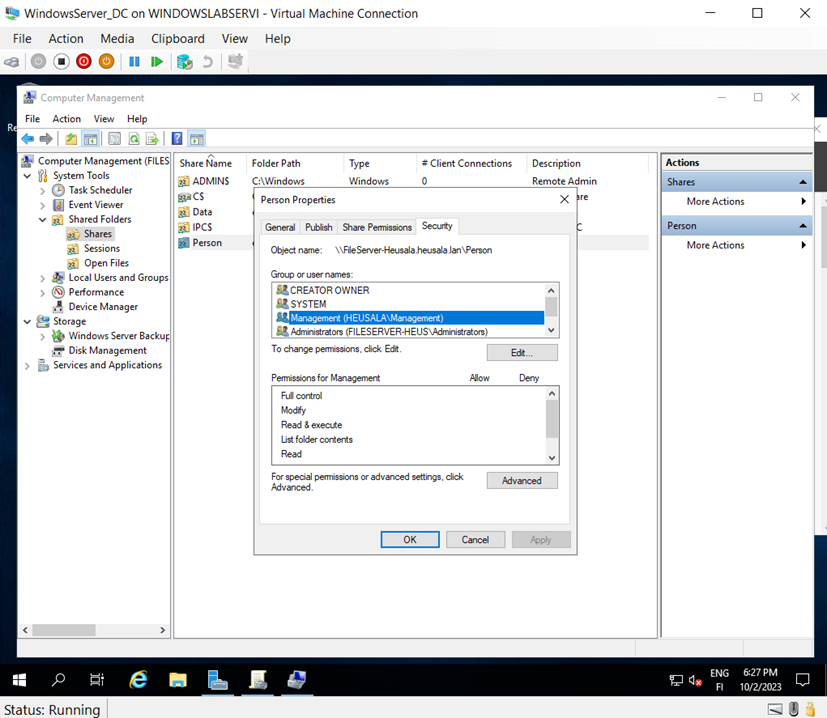
Set the sharing permissions for "Person" as described above for the management group.
Step 10 didn’t look exactly the same; there was an additional entry called CREATOR OWNER. What could this be?
Added network sharing for the management group with read-only rights.
Adding Group Policies
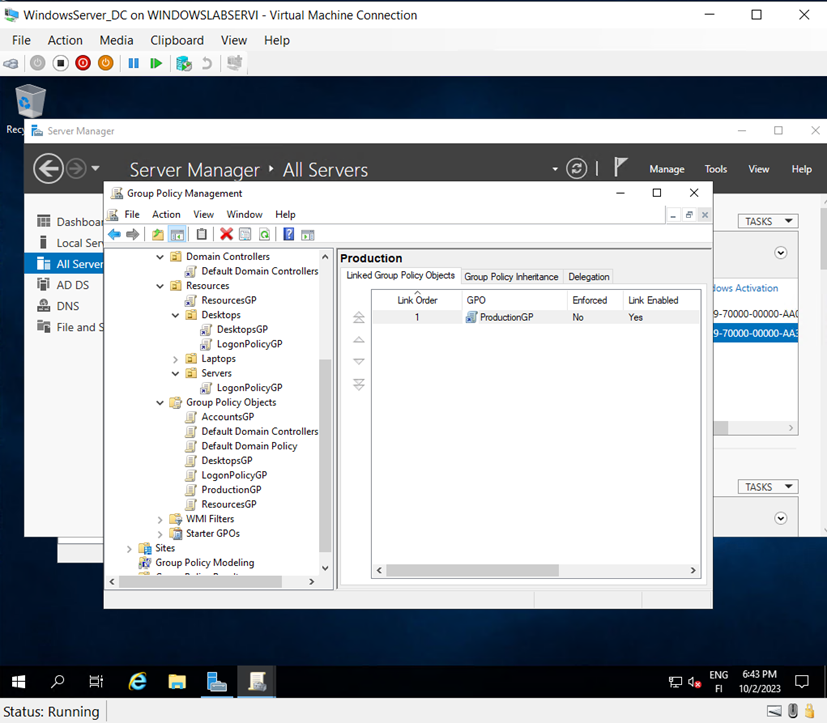
Created group policies and linked them as per the instructions.
Replaced the desktop group logon policy with the first group policy to ensure the inheritance worked as intended.
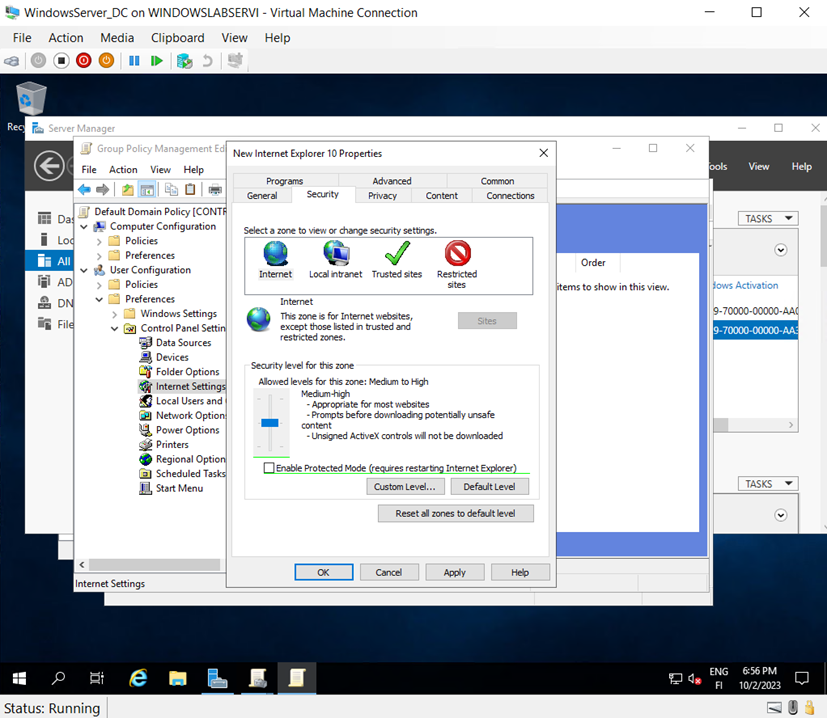
Removed the protected mode from the Internet Explorer 10 domain policy.
Enabled PowerShell scripts for both local and remote settings.
Set "Do not require interactive logon: CTRL+ALT+DELETE" to Enabled.
LogonPolicyGP
Enabled:
Always wait for the network at computer startup and logon (Enabled)
Do not display network selection UI (Enabled)
DesktopPolicyGP
Enabled:
Interactive logon: Don't display last signed-in (Enabled)
Enforce user logon restrictions (Enabled)
Maximum lifetime for user ticket renewal (3 days)
ResourcesGP
Enabled:
From the Link-Layer Topology Discovery menu:
Turn on Mapper I/O (LTTDIO) driver
Turn on Responder (RSPNDR) driver
For both, added the option "Allow operation while in domain"
PowerShell Scripts
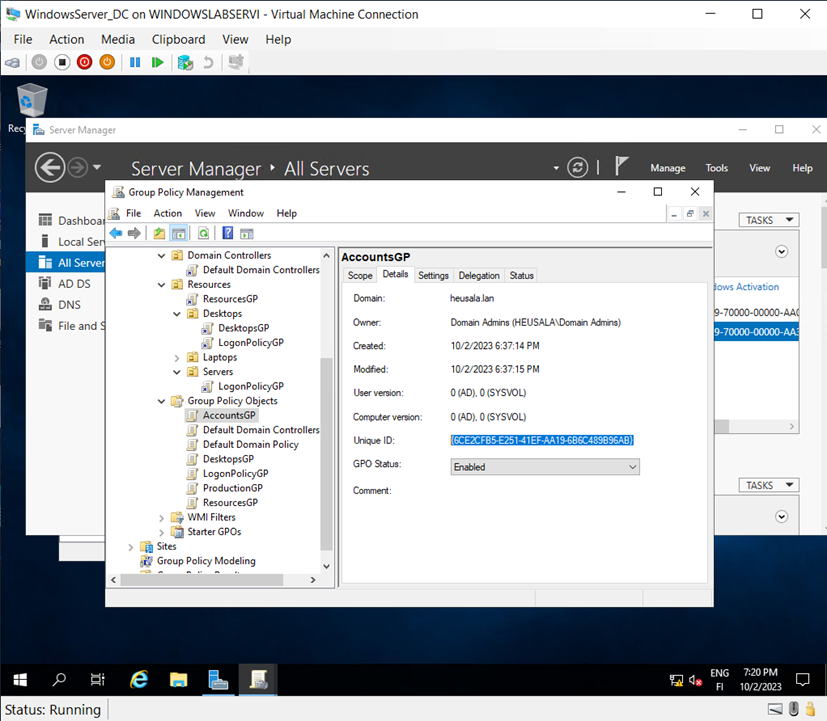
Unique ID for the Domain Controller: This is where I paused. Let’s see if I’ll continue later. I am interested in the scripts and already know how to use PowerShell, but it would be nice if they were included in mandatory studies. For example, is there a course where scripting is a central focus?
Lecture 7 - Password Management and Group Policy Priorities
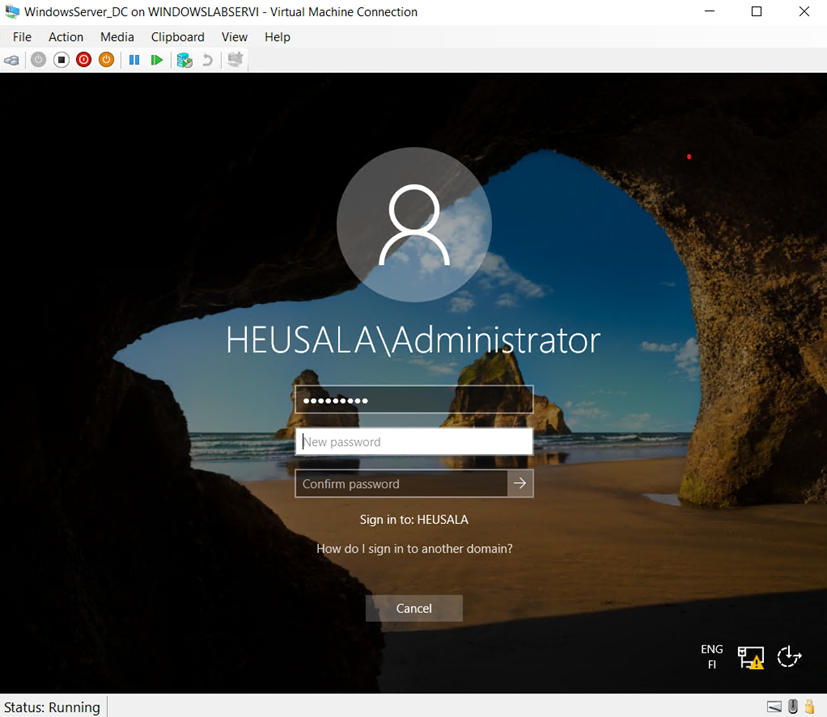
My password had expired and needed to be changed on the WindowsServer_DC machine under Heusala\Administrator. The old password was "Qwerty789," which I updated to "Asdfg789."
Question: "If, as an administrator, I set group policies for user X and computer Y, which policies apply in this situation?"
Answer: I would say that the group policies defined for the user take precedence over the computer's group policies.
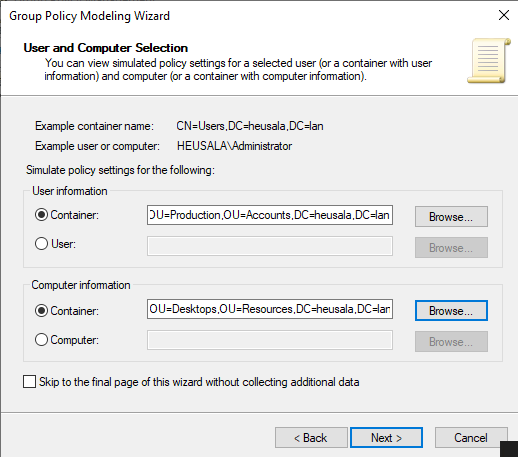
Question: "If the user Prod Uction or Prodnon Uction logs into a desktop computer belonging to the organizational unit 'Desktops,' which policies will be applied to them?"
I configured the user information and computer information.
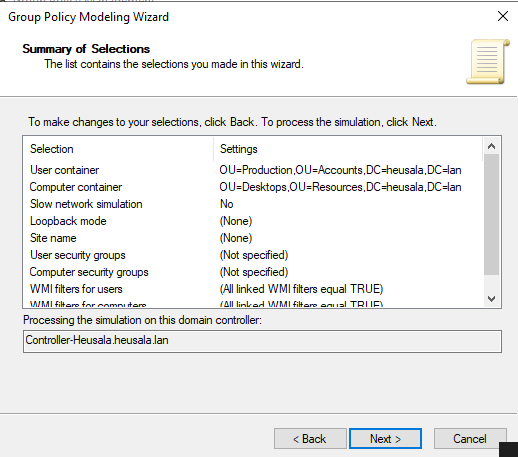
I enabled "everyone" in the user security and computer security windows.
I followed the instructions, and here is the summary view from the wizard.
I saved the report to the desktop.
Consider: What benefit does the produced report offer for IT administration and the company? You can answer this in the report.
Answer: The report clearly shows which group policy objects affect the user and the computer, thereby revealing the permissions the user has. The report also shows the "winning" GPO. Using group policy modeling allows for testing what settings should be created for a user before implementing group policies, avoiding trial and error. It is an excellent tool.
ADSI EDIT
Opened ADSI EDIT and navigated to the domain controller.
Lecture 8 - IIS Configuration and Test Web Pages
Task 2: IIS Testing and Personal Test Page
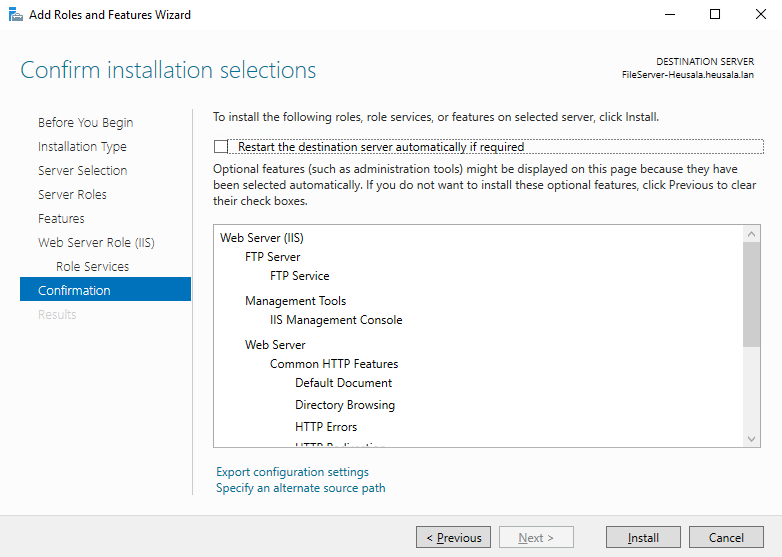
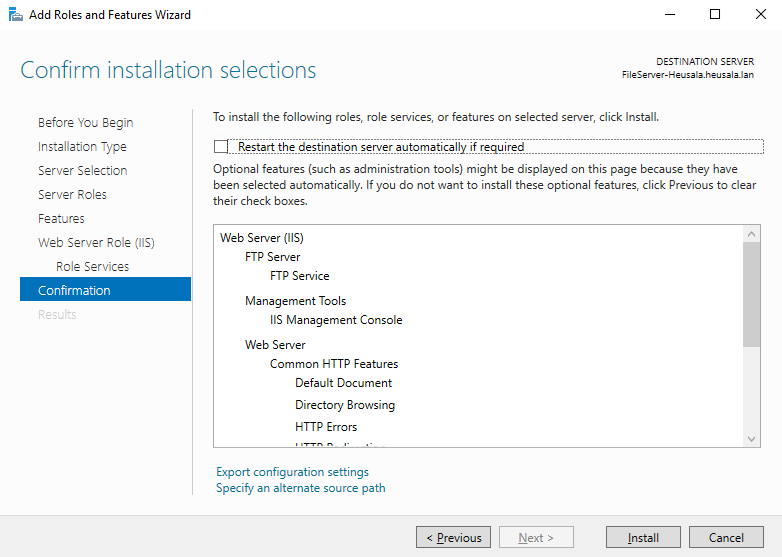
I followed the instructions to select options and clicked install.
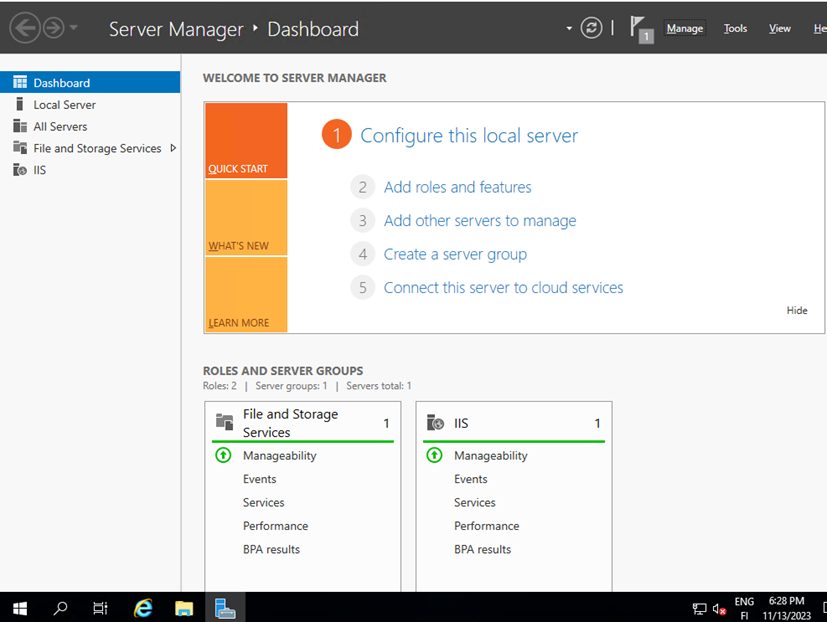
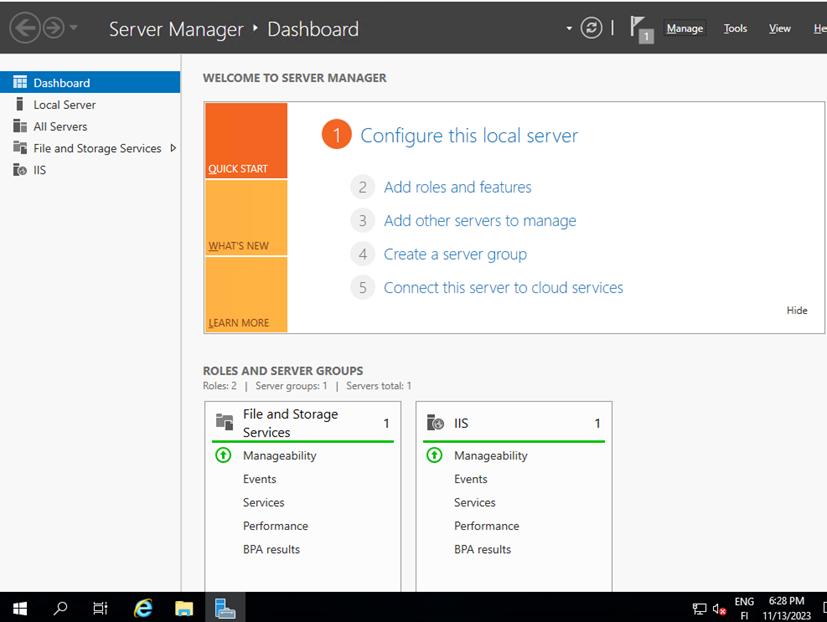
IIS was installed on the system.
Task: IIS Testing and Creating a Test Page
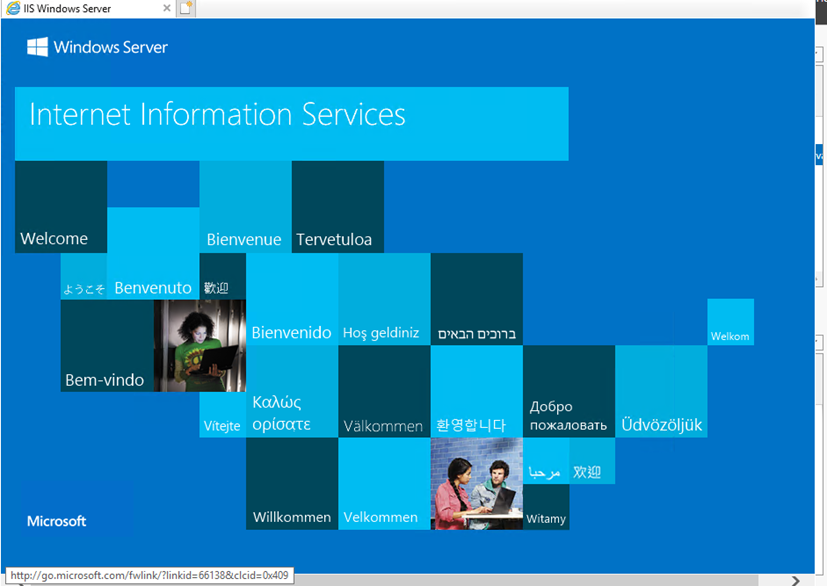
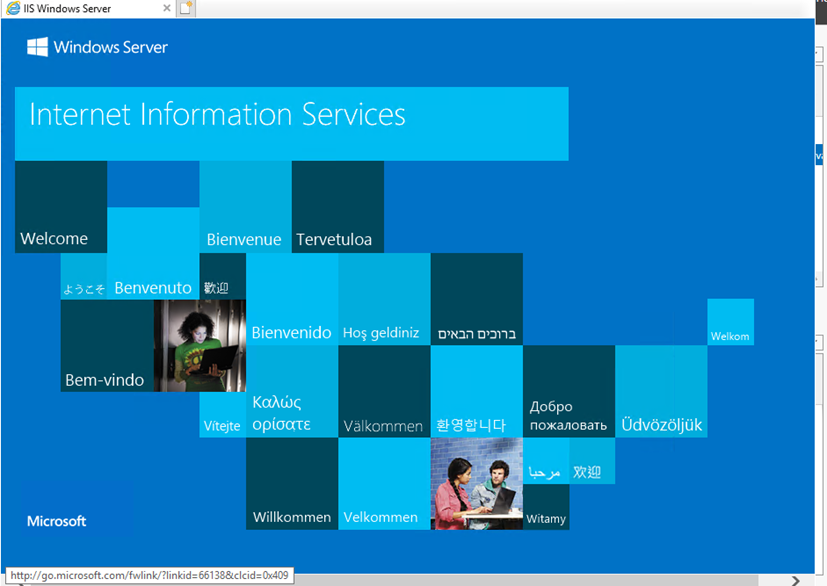
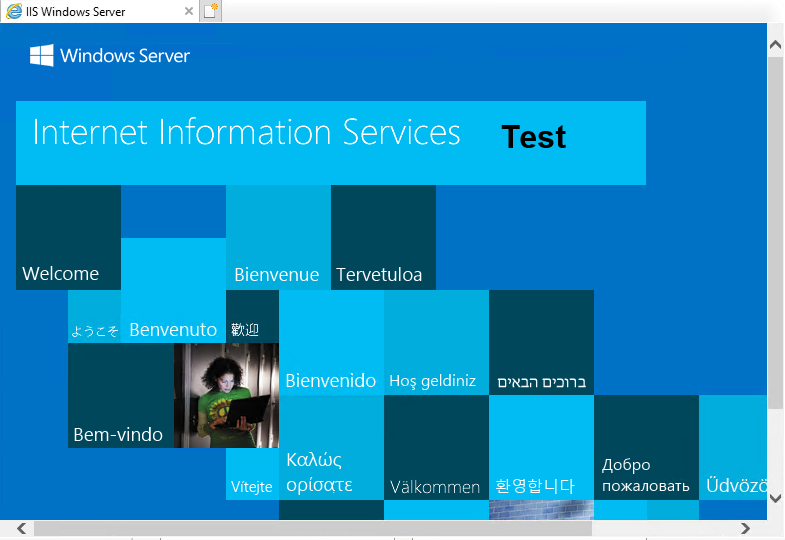
Navigating to the address localhost opened the test page.
I stopped the default website in IIS Manager by clicking Stop.
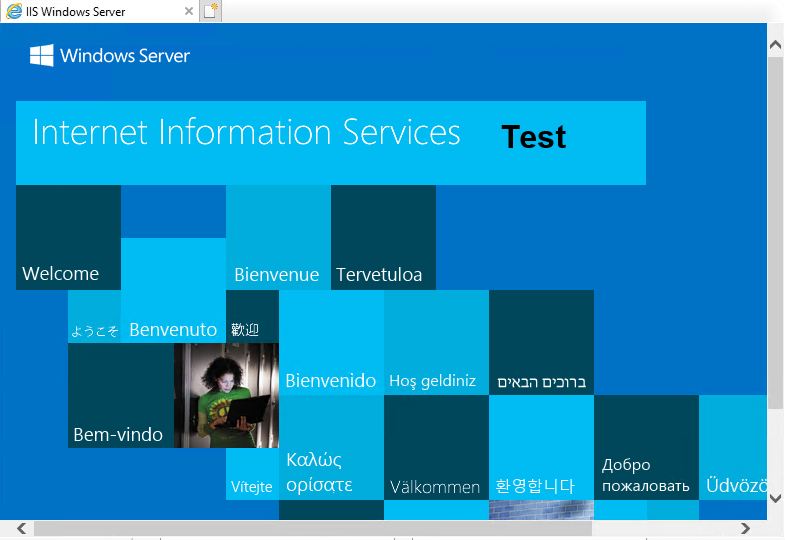
I edited the .htm file in the wwwroot directory of the inettest folder, made changes, restarted the test page from IIS Manager, and now the word "Test" was displayed on the page.
Q1: Do you know how you could refer to this page, for example, if you wanted to access it from your management server? There are two ways to reference it.
I would enter the file server's IP address in the address bar; there is no need to specify the port since it is currently the default port 80.
Task 3: Personal Page on Port 5004 and Redirect
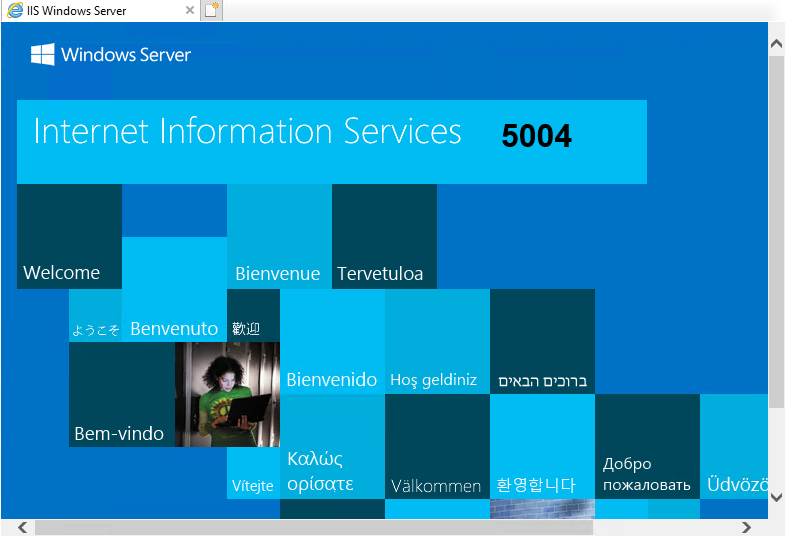
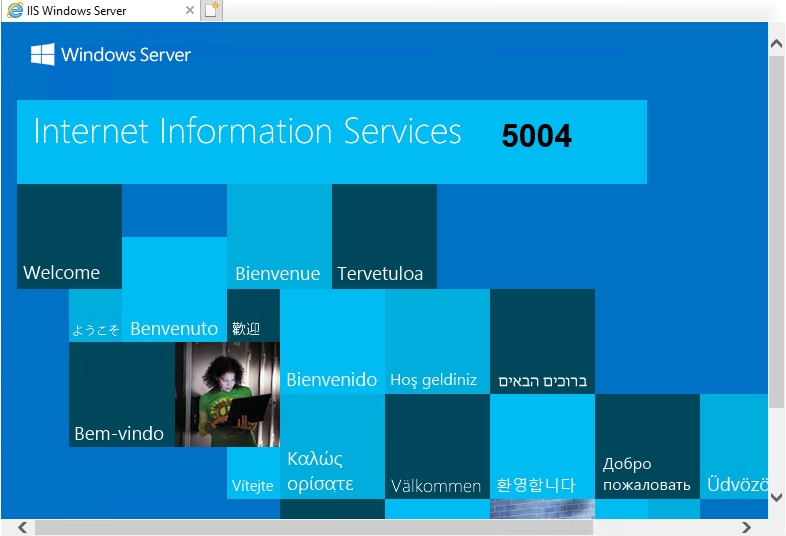
A page was created on port 5004, but firewall settings are not yet in place. Address: localhost:5004.
Q: Do you know what possible address references your other domain machines could use to access page 5004?
I can't say for sure offhand, but at least via IP address and port number.
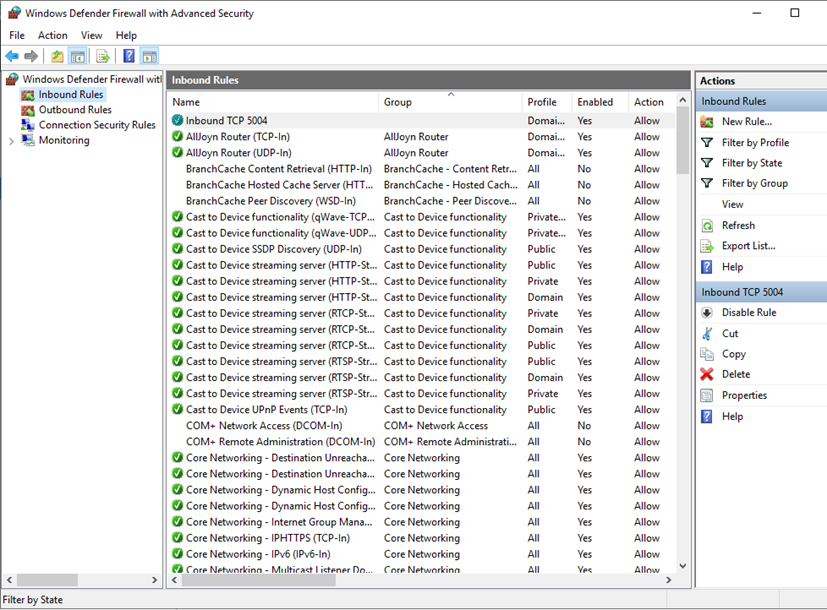
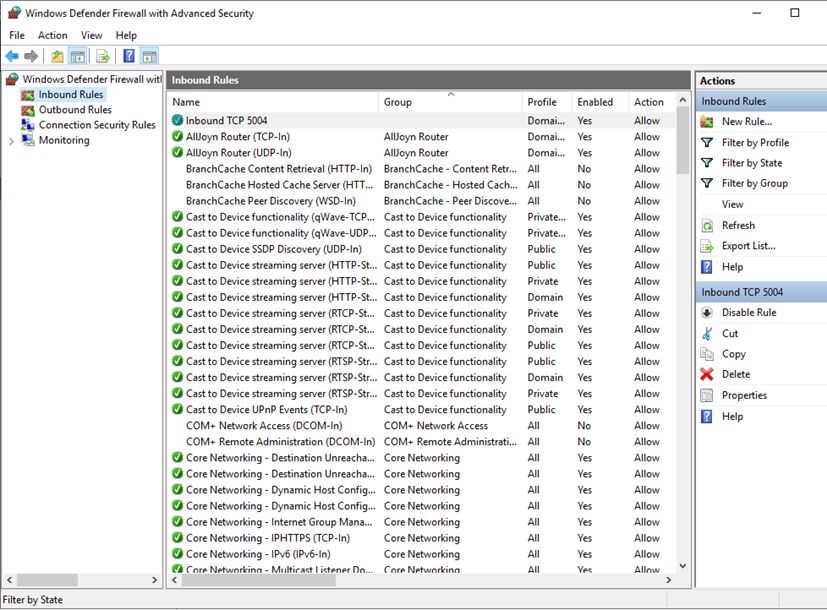
Firewall settings were updated to allow inbound traffic on the file server for the port.
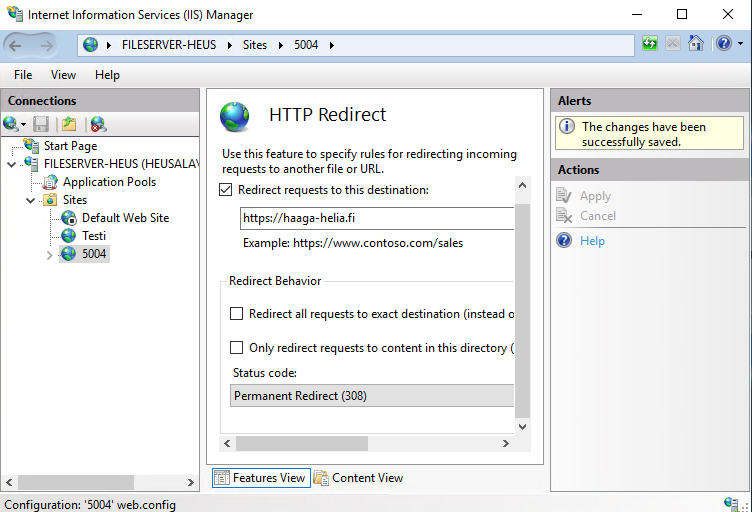
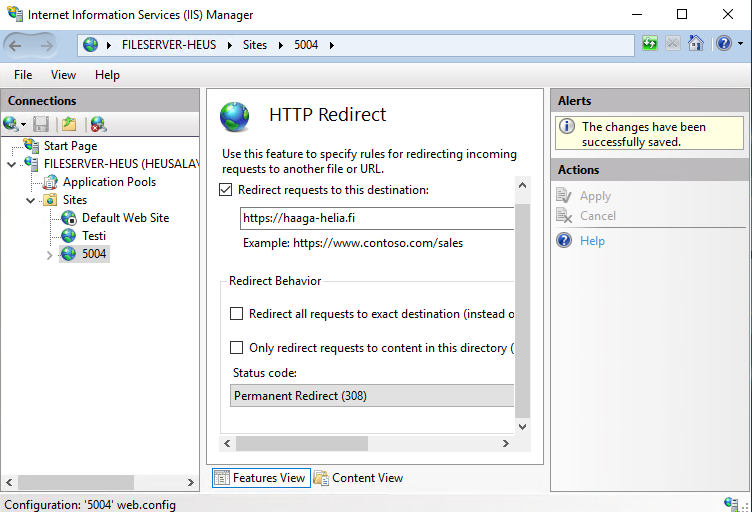
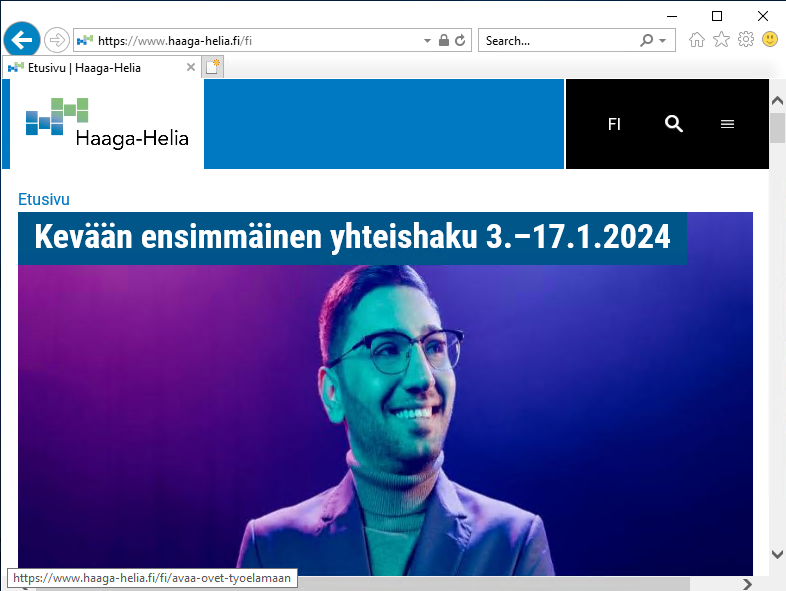
HTTP redirect was set up to point to the Haaga-Helia website.
Q: Do you know how the name information for haaga-helia.fi is resolved in your domain?
From the DNS server, which is the DC server machine.
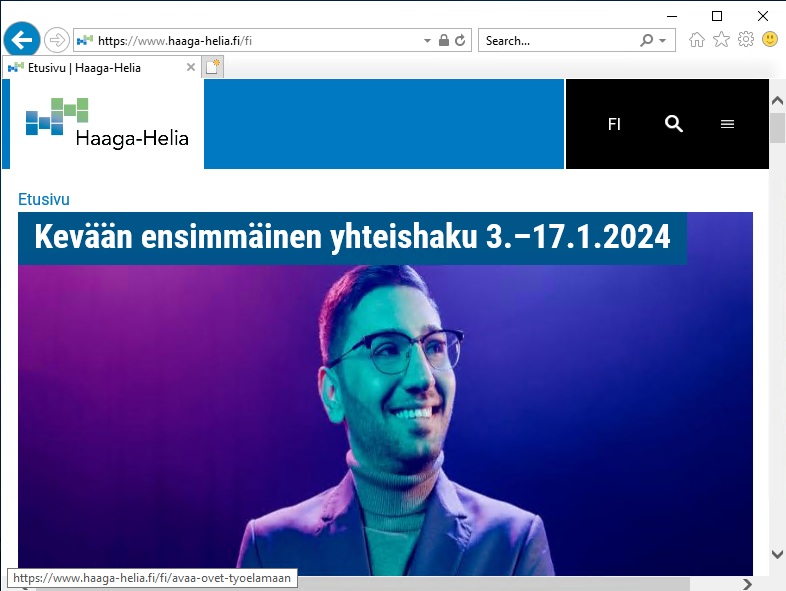
The address localhost:5004 now redirects to Haaga-Helia's website.
Task 4: FTP Service
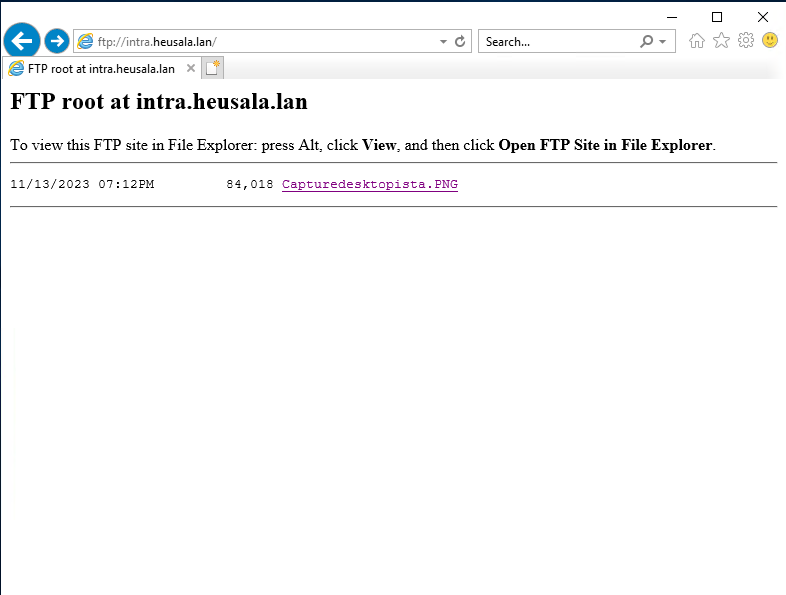
I created an FTP service, took a screenshot of the desktop, and placed it in the ftproot folder.
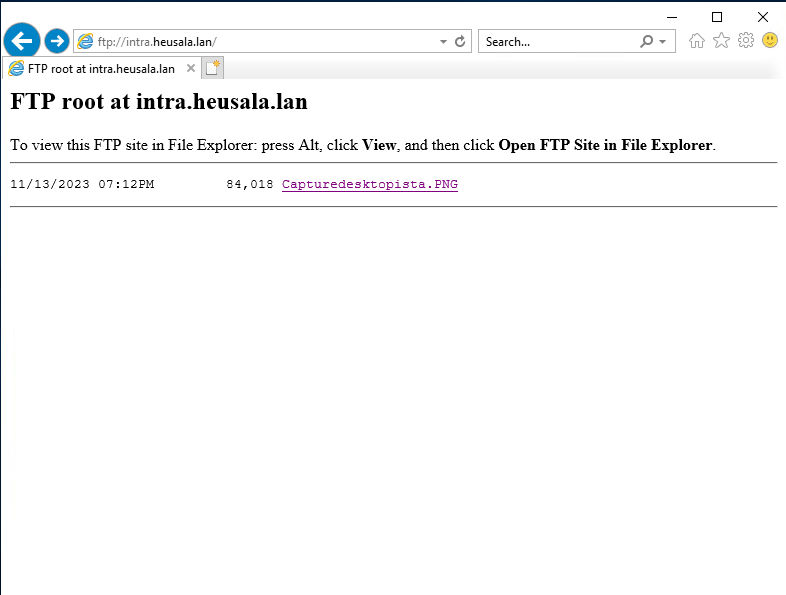
I opened ftp://intra.heusala.lan, and the FTP server worked, and the file was visible there.
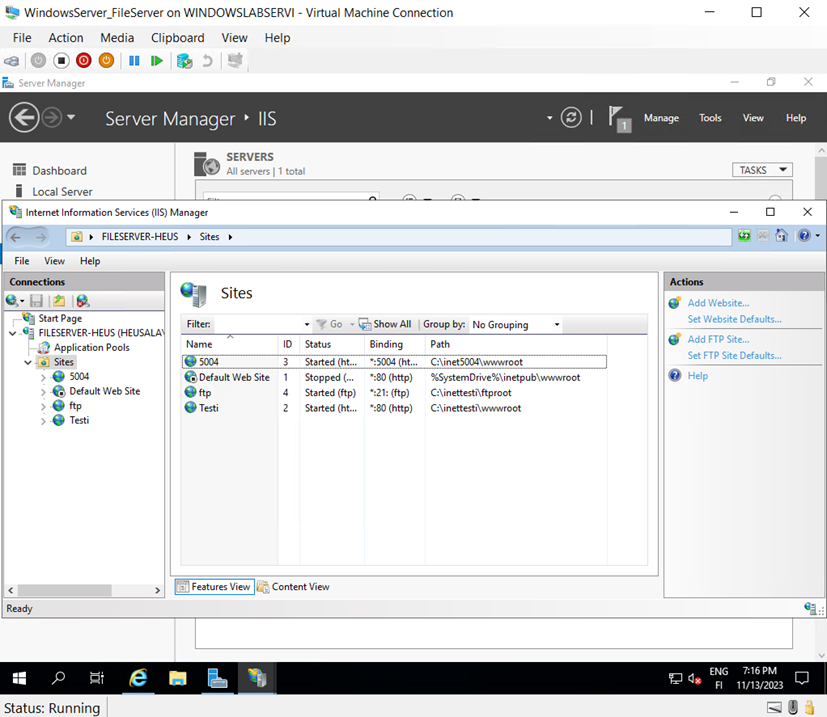
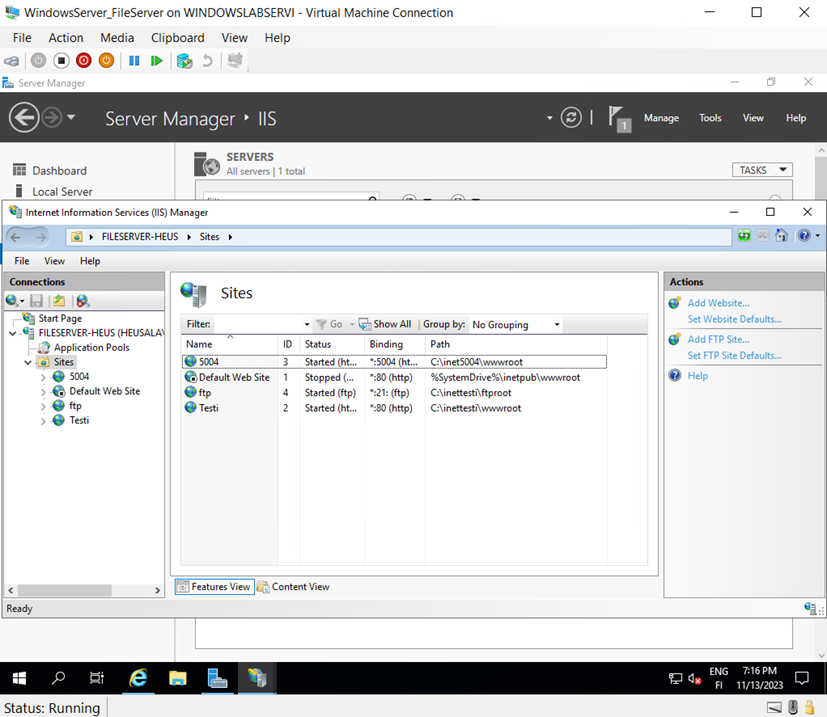
A screenshot of the server manager's sites folder was taken.
Lecture 9 - FTP Configuration
I followed the instructions to make selections and clicked "Install."
IIS was installed on the system.
Task 2: IIS Testing and My Own Test Page
The address "localhost" opened the test page.
I stopped the default website in IIS Manager by clicking "Stop."
I edited the .htm file in the wwwroot directory of the inettest folder, made changes, restarted the test page in IIS Manager, and now the word "Test" is displayed.
Q1: Do you know how to reference this page, for example, if you want to visit it from your control server? There are two referencing methods.
I would enter the file server's IP address into the address bar; there’s no need to specify the port because it is still the default port, 80.
Task 3: Custom Page on Port 5004 and Redirecting Elsewhere
A page was implemented on port 5004, but firewall settings are not yet configured, so the address is "localhost:5004."
Q: Do you know how the other machines in your domain might access page 5004?
I don’t know off the top of my head; at least with the IP address and port number.
The firewall's inbound traffic port was opened on the file server.
HTTP redirect was set up to redirect to the Haaga-Helia address.
Q: Do you know how the domain name "haaga-helia.fi" is resolved within your domain?
It is resolved by the DNS server, which is the DC server machine.
The address "localhost:5004" redirects to Haaga-Helia’s website.
Task 4: FTP Service
I created an FTP service and took a screenshot of the desktop, placed it in the ftproot folder, opened ftp://intra.heusala.lan, and confirmed that the FTP server was working, and the file was visible there.
Screenshot taken from the Server Manager’s "Sites" section.
Lecture 10 - Client Setup and Domain Integration
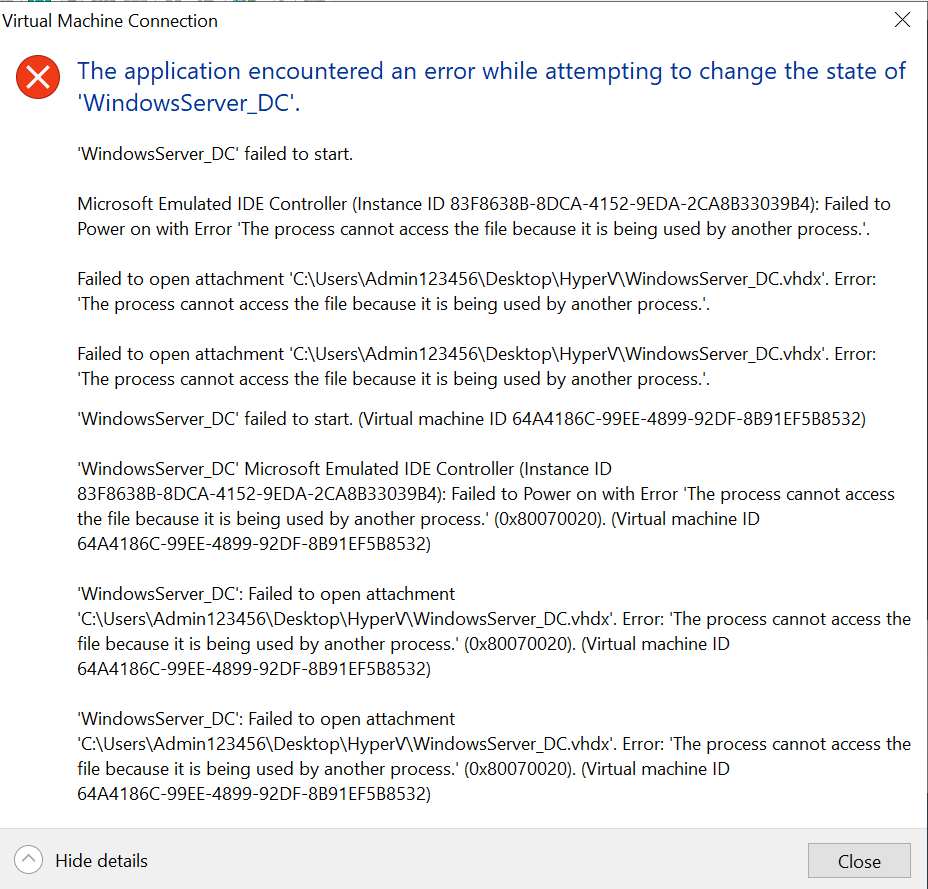
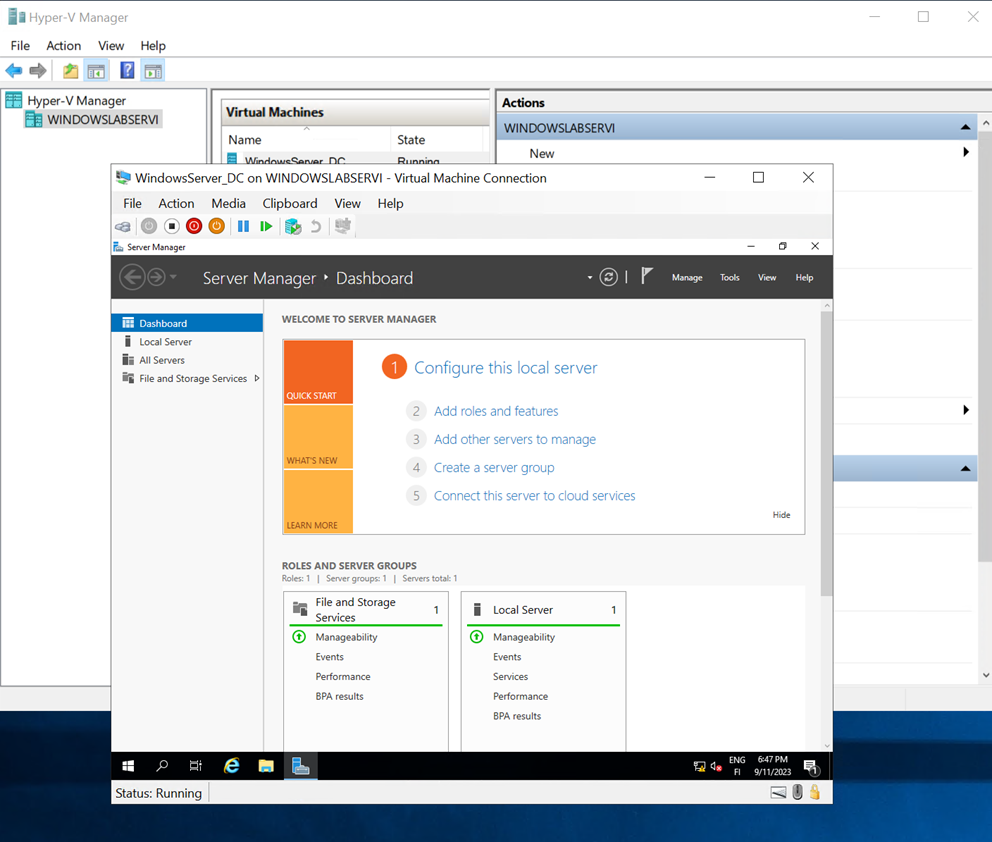
WindowsServer_DC had been left in a saved state and would not start. I resolved this by removing the saved state from the menu and restarting the machine.
I created a new virtual machine in Hyper-V, Generation 1. I allocated 3072 MB of memory, set the network to HyperVVSwitch, and saved the machine in the Hyper-V folder on the desktop. The operating system selected was Windows 10 Pro.
I assigned the machine four processors and enabled dynamically allocated memory in Hyper-V.
For Windows 10, I chose the following:
Language: English (US)
Time and currency format: Finnish
Keyboard layout: Finnish
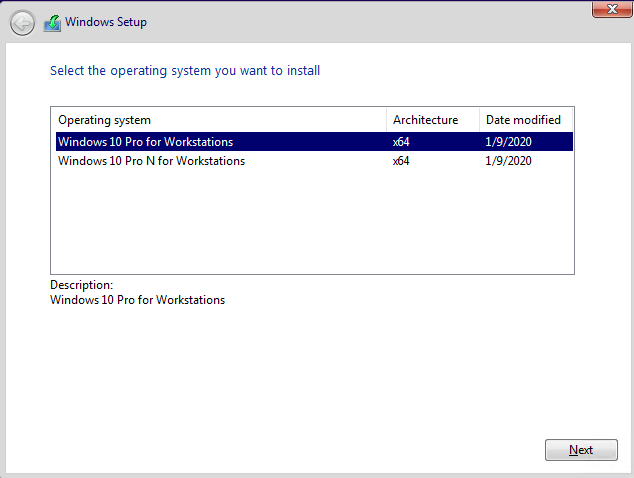
I selected Windows 10 Pro N for Workstations as the version.
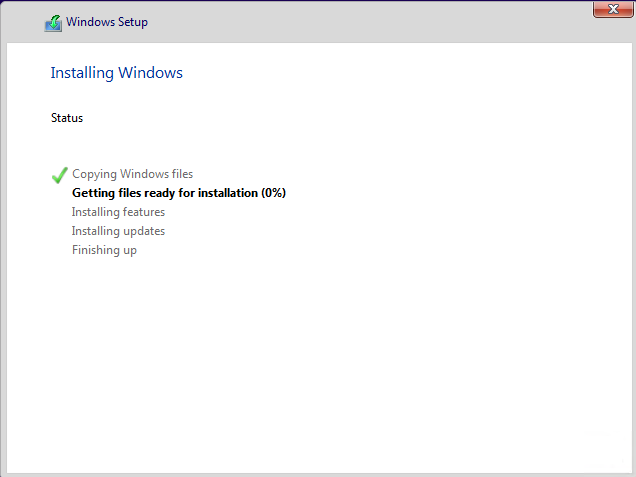
For installation, I chose Custom: Install Windows only (advanced) instead of Upgrade. I found this step puzzling since the virtual machine was newly created and completely empty. The machine then started copying files from the installation image.
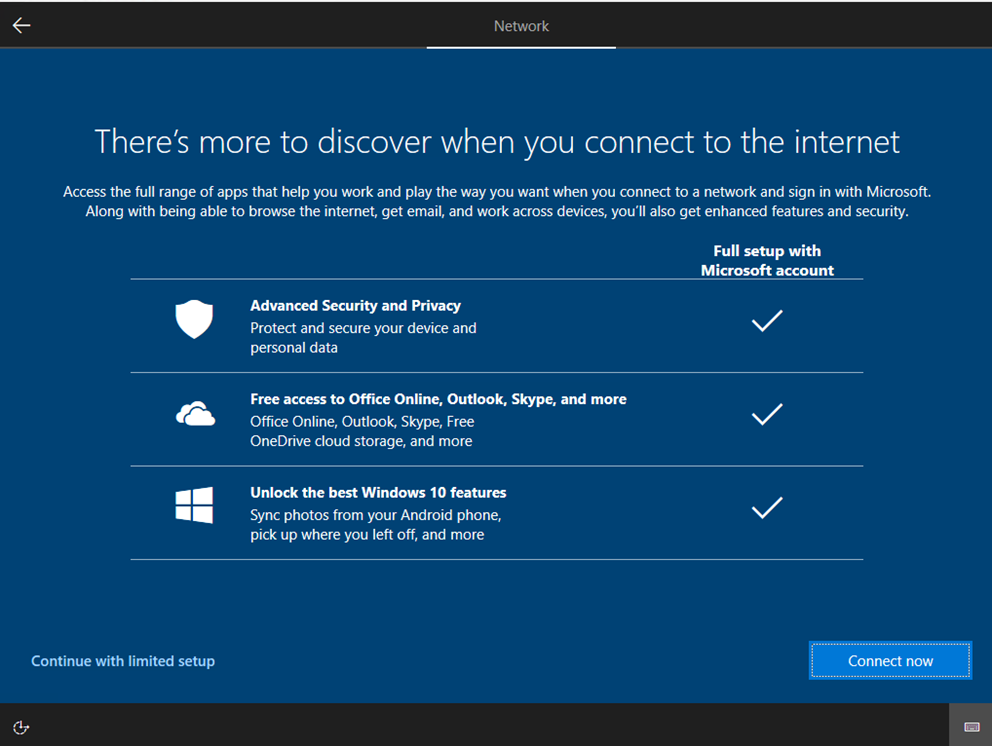
The network settings did not automatically configure correctly, so I had to continue with a limited setup.
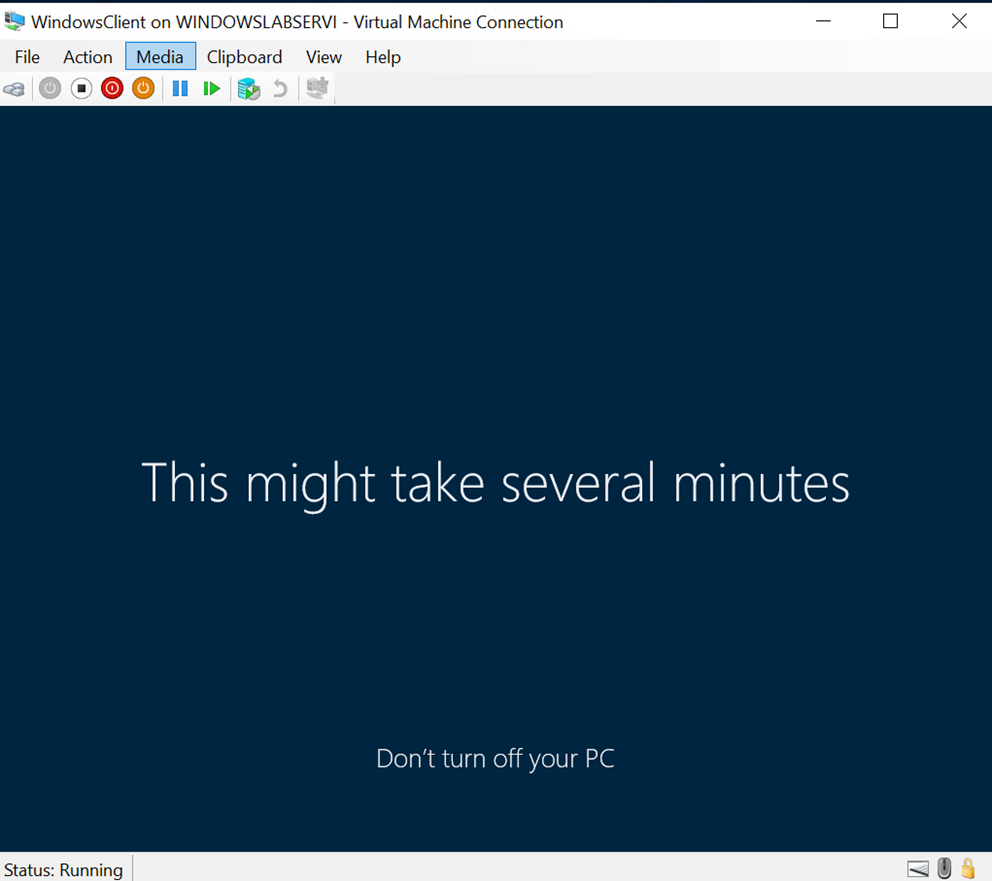
I created a user account called Admin, without a password, and opted for the strictest data collection options, selecting "no" or minimizing data sharing wherever possible.
I disabled the lock screen and finalized the network settings.
Renaming and Joining the Domain
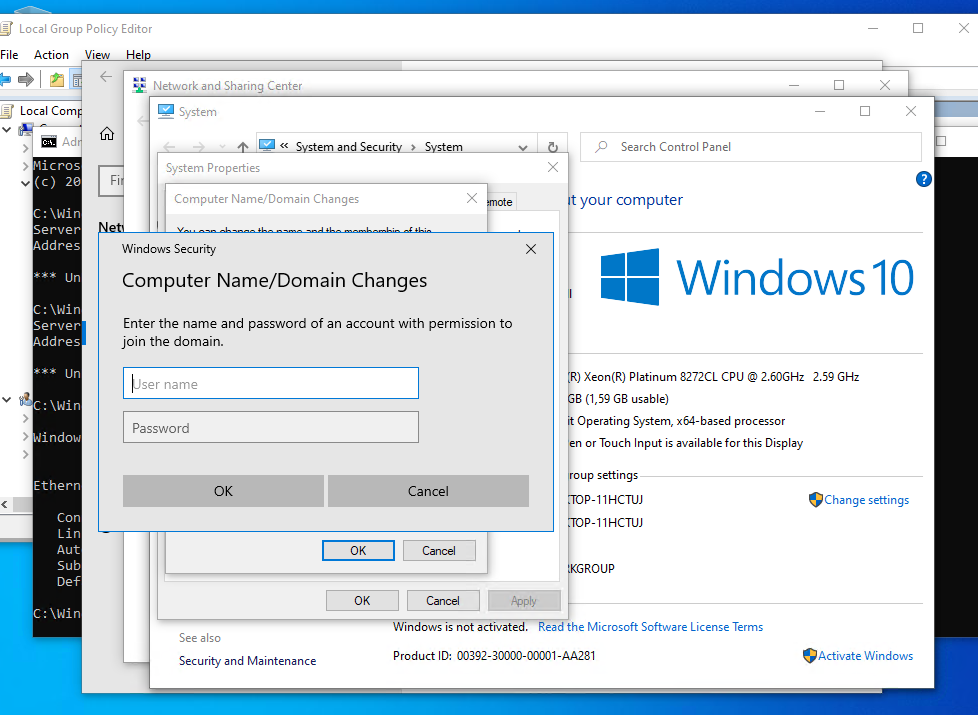
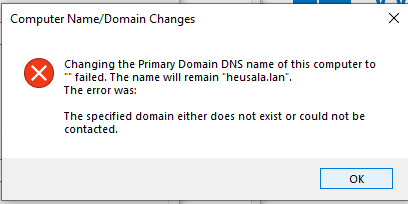
I renamed the machine and joined it to the domain. While the domain join succeeded, I received an error message afterward:
I’m not sure if this matters; in my opinion, this is how it should behave.
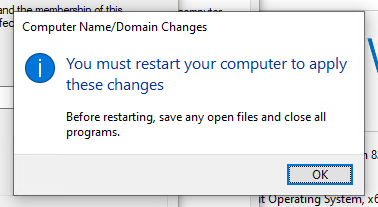
I decided not to restart the machine at this point.
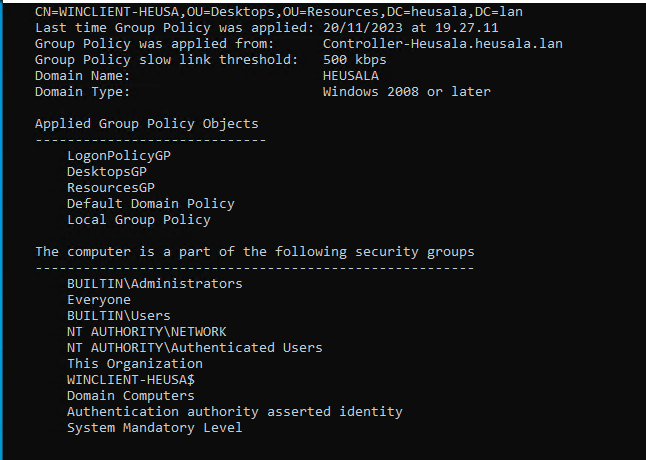
I logged in to the client using the Prod user credentials for the domain @heusala.lan.
Various Policies in Effect
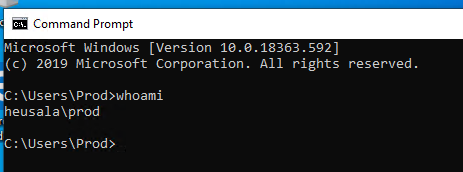
I used the exit command, then restarted the cmd and ran the whoami command.
Network Shares
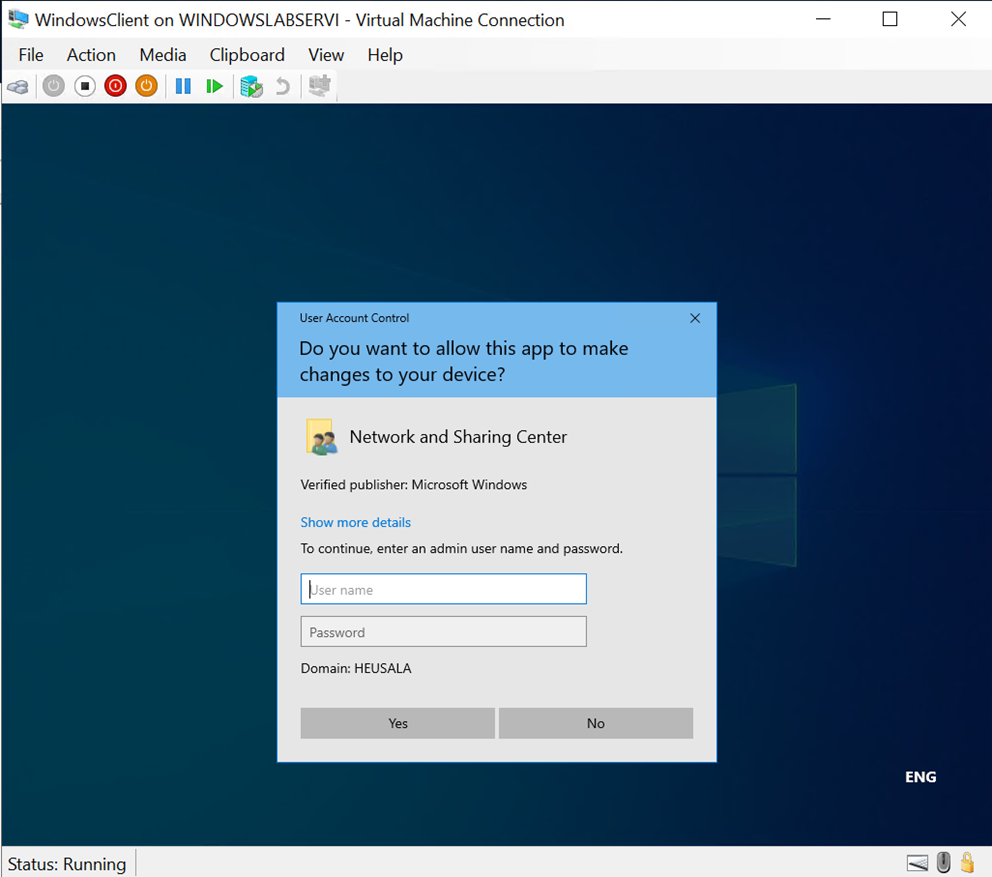
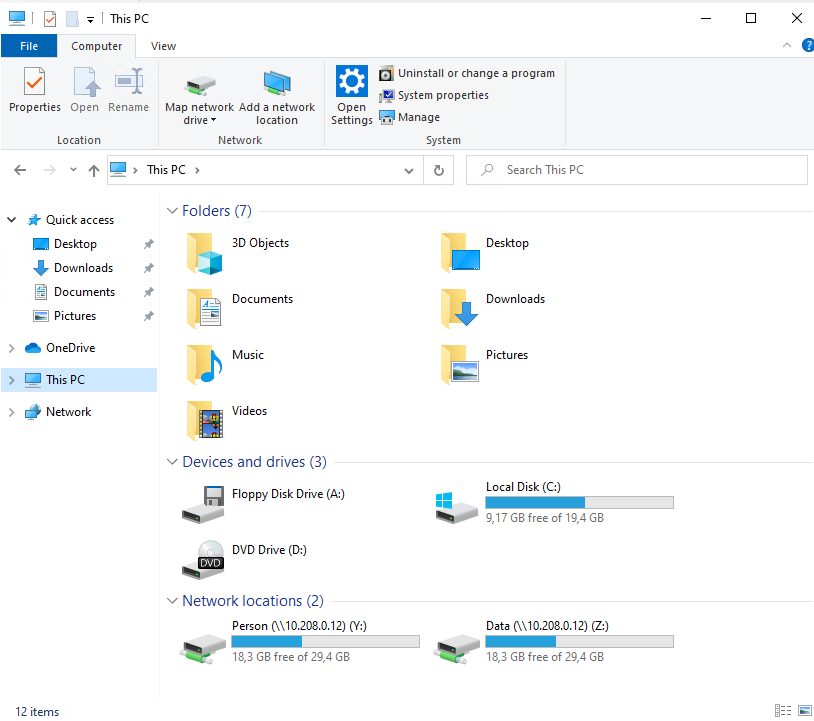
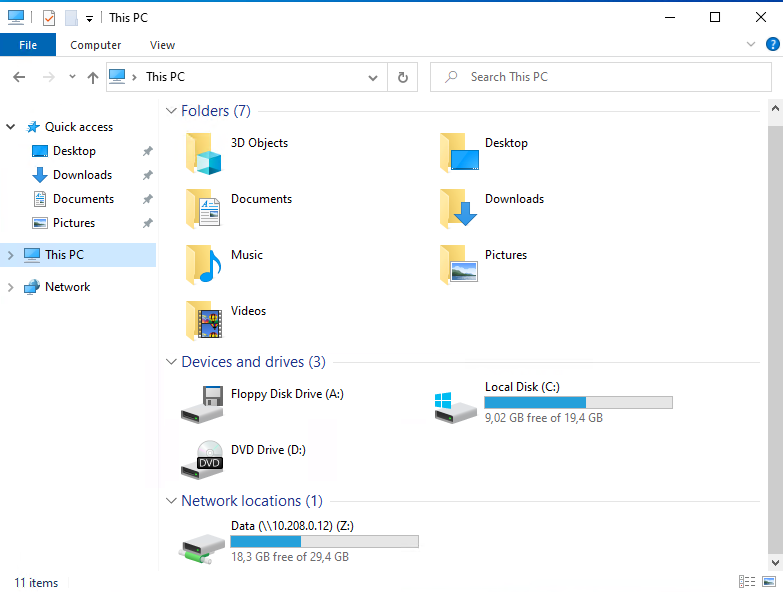
The network shares were not visible initially, so I enabled network sharing through the Network and Sharing Center and logged in with admin credentials. This didn’t resolve the issue; only the controller was visible on the network.
To fix this, I used Map Network Drive and provided the IP address and folder name. This allowed me to access the network drives.
I logged in using the Marknon account and mapped the Data folder.
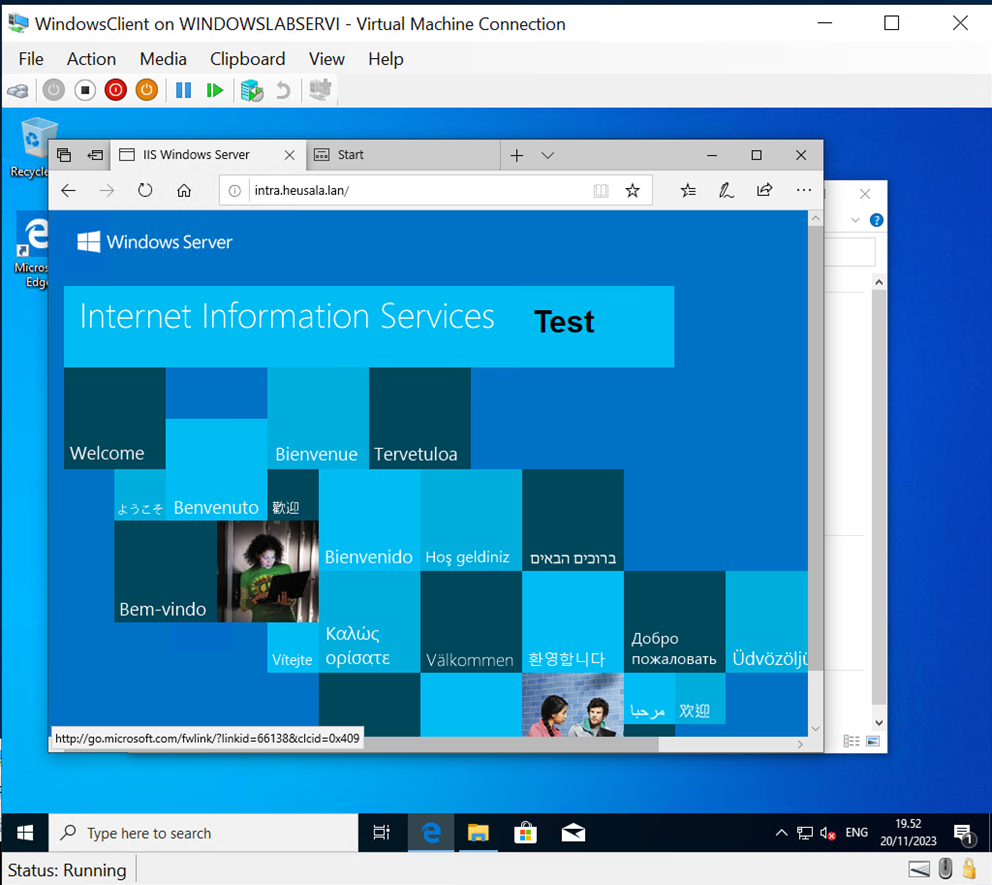
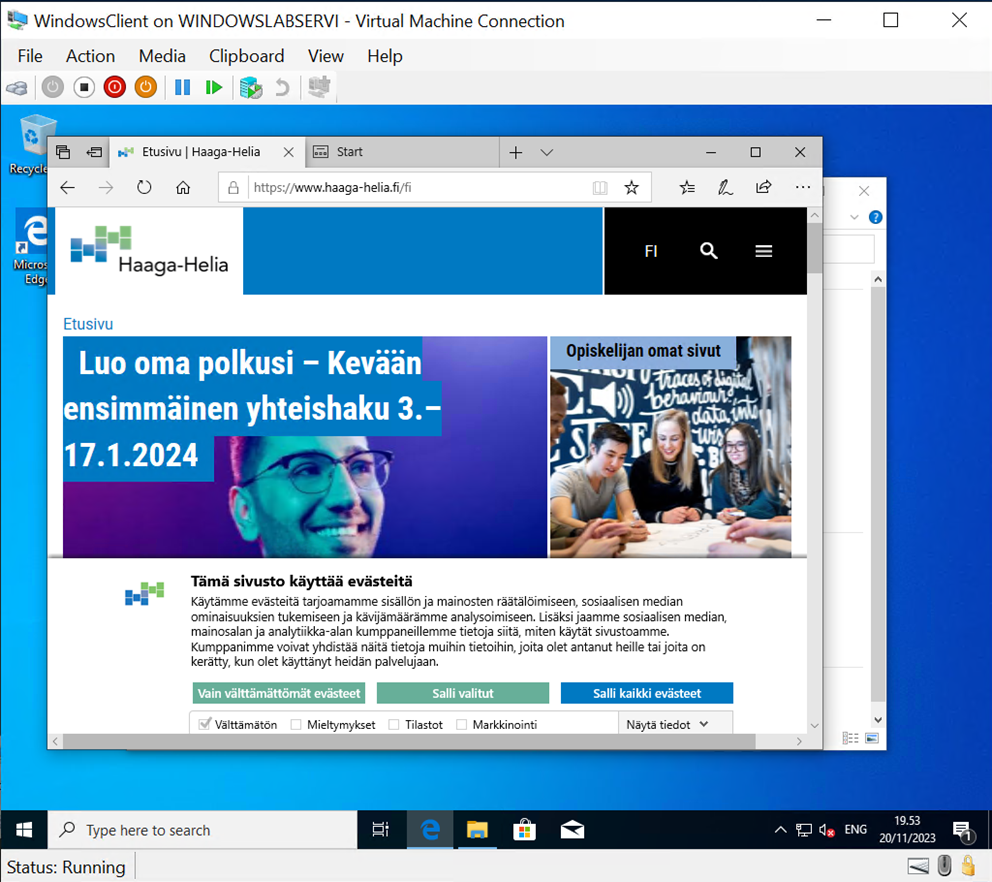
Tested URLs
http://intra.heusala.lan
http://web.heusala.lan:5004
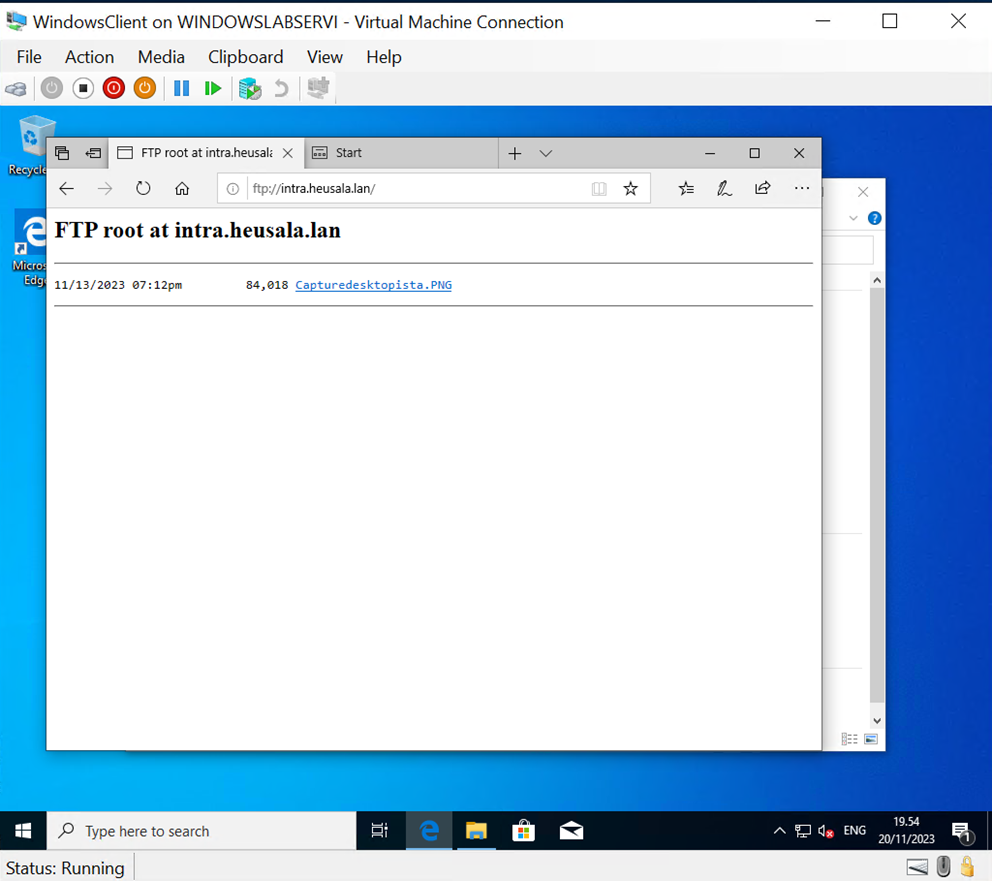
ftp://intra.heusala.lan
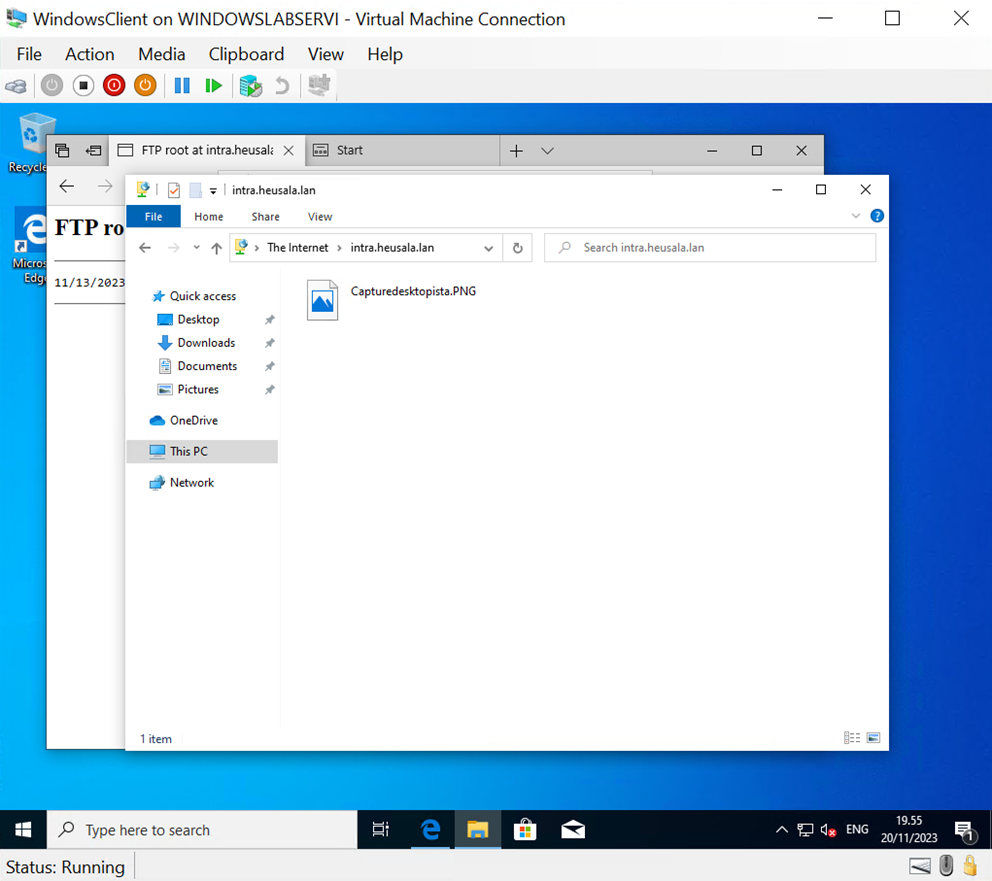
These were also tested in File Explorer.
Additional Steps
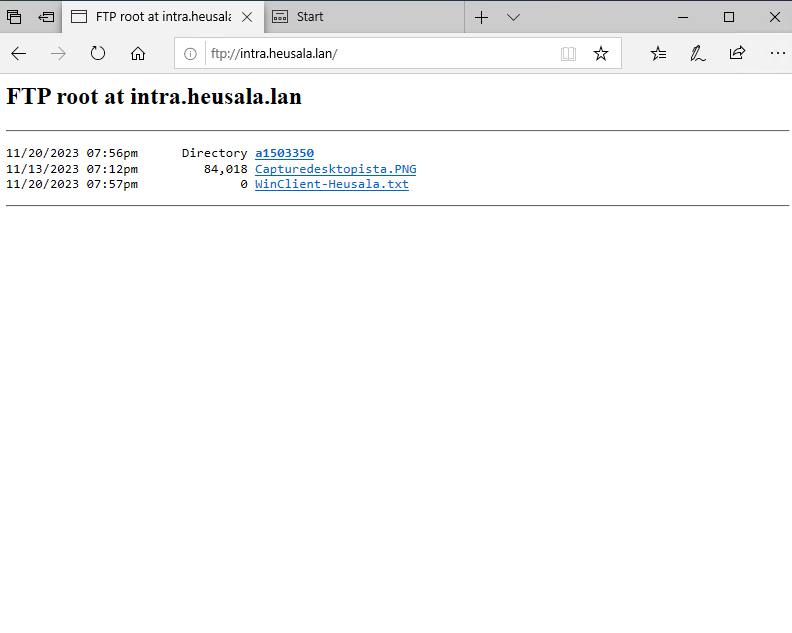
I added files and accessed them using a web browser.